
Word Count & Text Statistics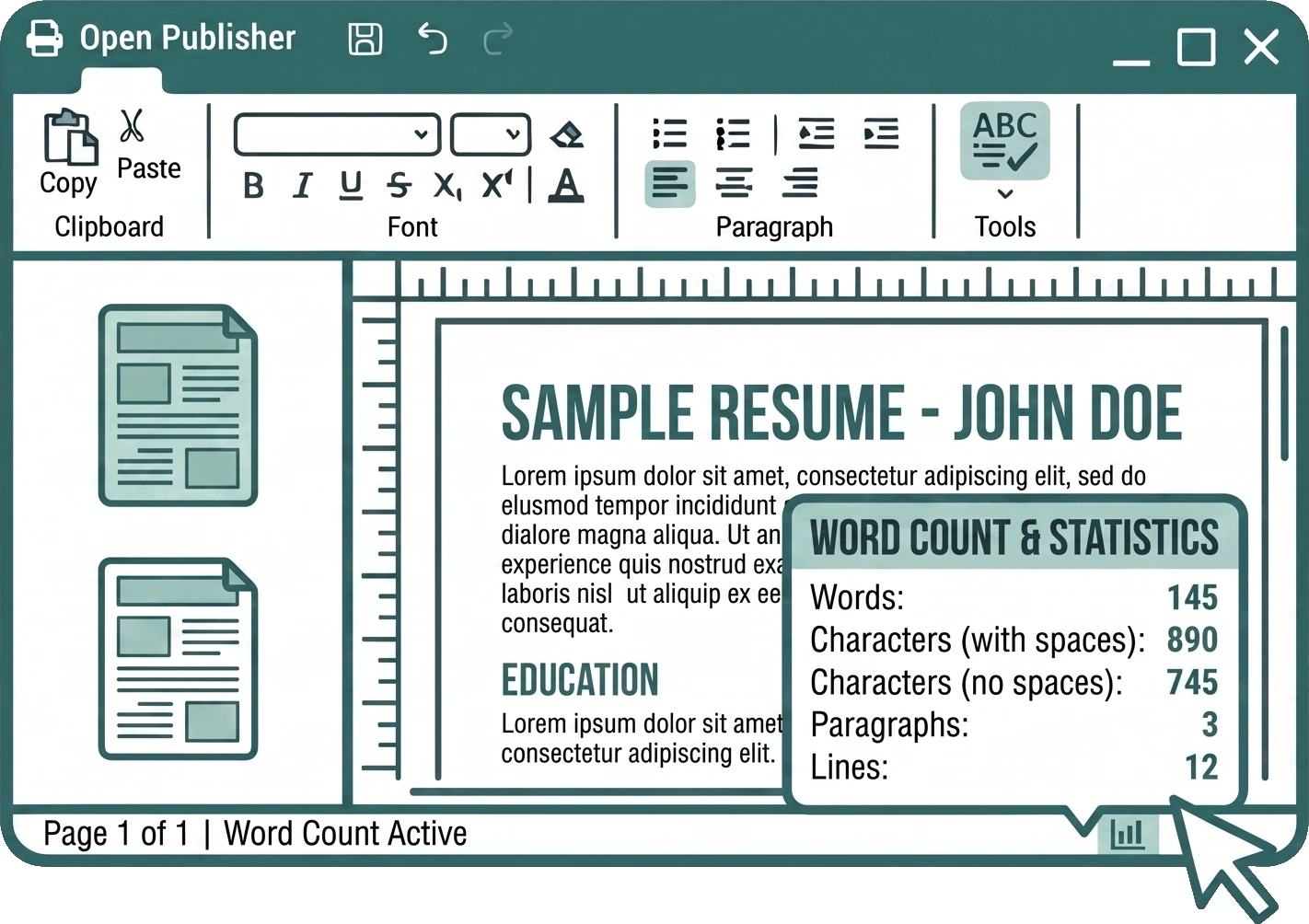
Whether you are drafting a flyer, a brochure, or a full resume, Open Publisher provides tools to help you easily keep track of your text length without leaving the editor.
Live Status Bar Tracking
A dynamic word count indicator is built directly into the bottom status bar, sitting cleanly next to the page count. This indicator automatically appears whenever you select a text box and updates in real-time as you type, giving you an immediate view of your
word count at a glance.

Detailed Statistics Dialog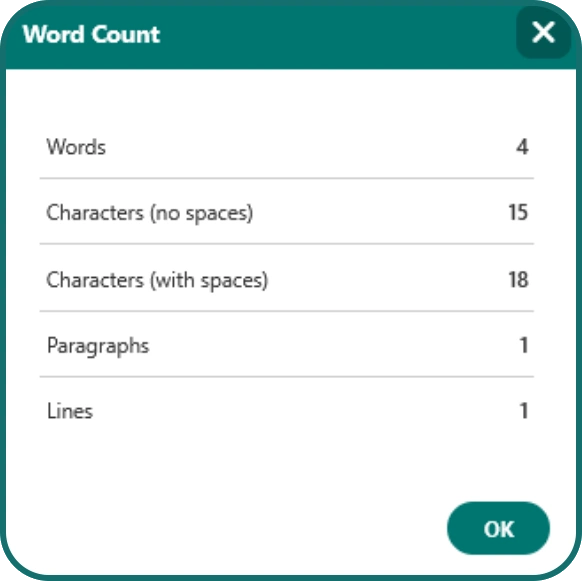
If you need more detailed metrics beyond a simple word count, you can open the comprehensive Text Statistics modal. You can access this dialog in two ways:
-
Click the live word count directly in the bottom status bar.
-
Go to the Review tab in the ribbon and click Word Count in the Proofing group.
The dialog provides an exact breakdown of your text, including:
-
Words
-
Characters (no spaces)
-
Characters (with spaces)
-
Paragraphs
-
Lines