UI Themes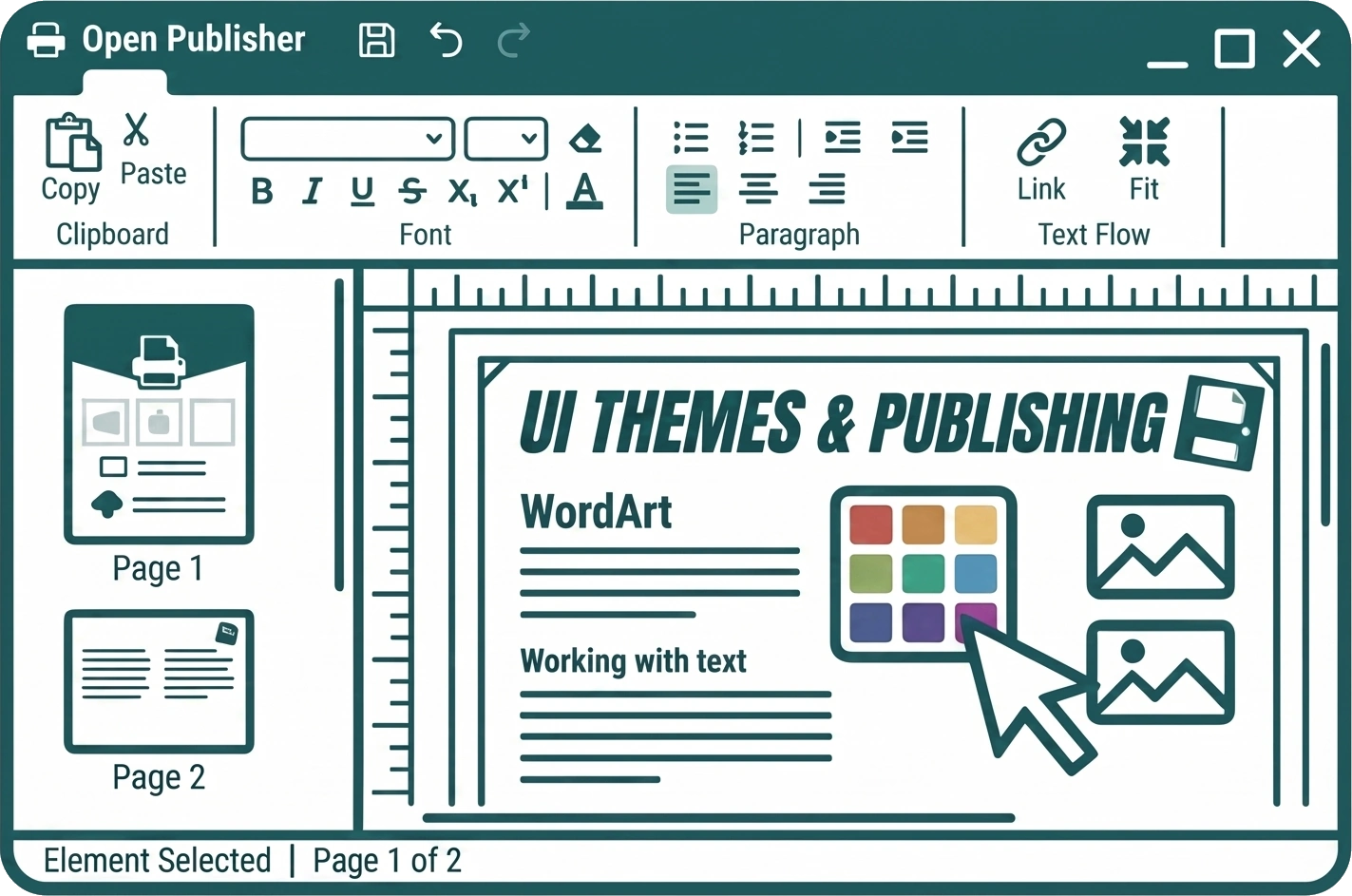
Open Publisher lets you personalise the entire application interface with over 100 unique UI themes. Every part of the workspace – the ribbon, sidebars, rulers, dropdowns, and buttons – updates instantly when you change theme, giving you a workspace that feels entirely your own.
Changing Your Theme
- Open the Options menu from the ribbon.
- Find the UI Theme dropdown.
- Select any theme from the list – the interface updates immediately.

Your selected theme is saved automatically and will be remembered the next time you open Open Publisher
Theme Categories
The theme library is organised into groups covering a wide range of palettes:
| Category |
Included Themes & Examples |
| Classic Throwbacks |
Nostalgic interface colours inspired by classic software, including Outlook Classic (Orange), macOS Aqua, and Windows 11 (Blue). |
| Tech & SaaS |
Recognisable brand colours from popular platforms, including Notion (Minimalist Black), Stripe (Blurple), Jira (Blue), Salesforce (Cloud Blue), AWS (Orange), Trello (Blue), Zoom (Blue), Oracle (Red), Ubuntu (Orange), and more. |
| Social & Media |
Palettes inspired by major social platforms, including Facebook (Blue), TikTok (Magenta), Snapchat (Gold), Pinterest (Red), Dribbble (Pink), SoundCloud (Orange), Medium (Green), and more. |
| Design & Productivity |
Themes inspired by creative tools, including Canva (Cyan), Figma (Dark), Asana (Coral), HubSpot (Orange), Evernote (Green), and Duolingo (Green). |
| Gaming |
Themes inspired by major gaming platforms, including PlayStation (Blue), Xbox (Green), Nintendo (Red), and Steam (Dark Blue/Grey). |
| Retail & Services |
Brand-inspired colours from everyday services, including Airbnb (Coral), Uber (Black), Shopify (Green), Etsy (Orange), Tesla (Red), IKEA (Blue), and more. |
Intelligent Contrast Adaptation
Open Publisher automatically detects when a high-brightness theme is active – such as Snapchat Yellow or similar light colours – and intelligently inverts the interface text and button colours to maintain strict contrast and legibility. You never need to manually adjust anything; the UI adapts itself so every element remains clearly readable regardless of which theme you choose.
A select few examples of the colour themes


