Business Information
The Business Information feature lets you store your core business details once and then instantly generate pre-formatted, auto-populated templates across your documents – no retyping required.
Setting Up Your Business Information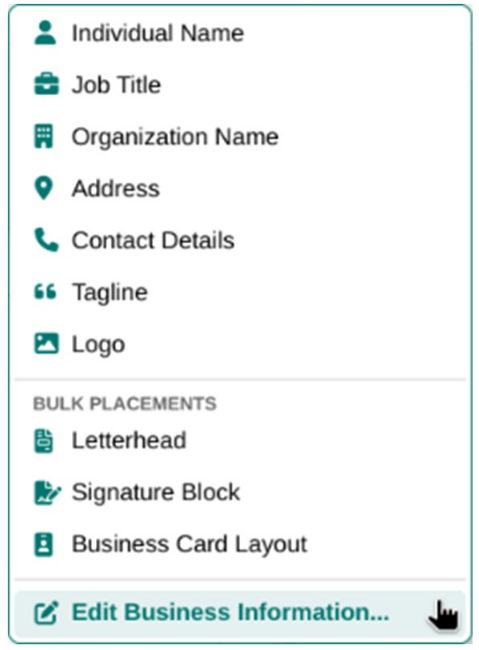
To set up your Business Information:
-
Go to Insert > Business Information (or Insert > Business Card / Letterhead).
-
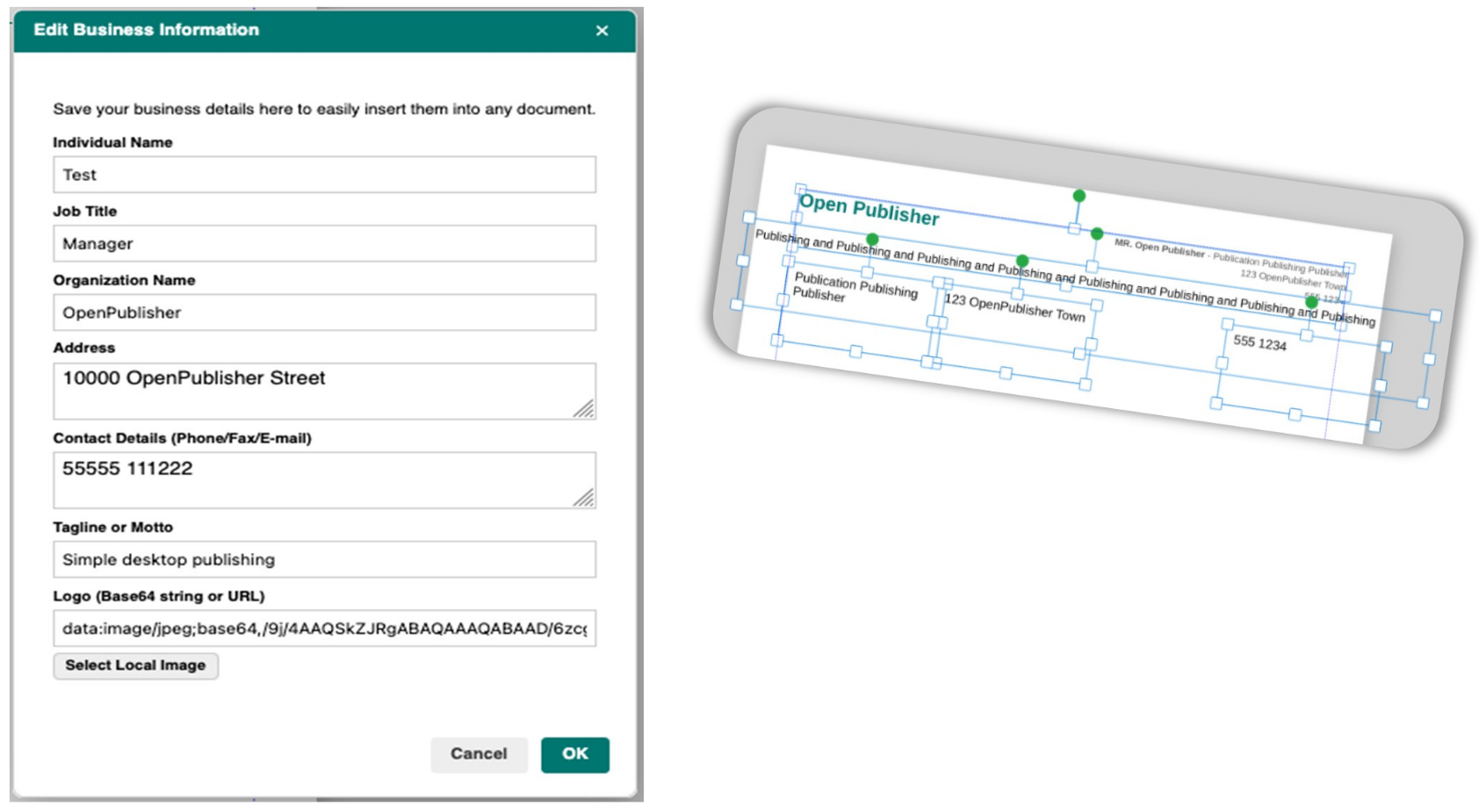
The Business Information dialog opens.
-
Fill in the fields: Name, Job Title, Organisation, Address, Contact Info, Tagline, and Logo URL.
-
Click Save. Your details are stored securely in your browser’s LocalStorage and will be available every time you open Open Publisher.
Using Your Business Information
From the Insert ribbon, open the Business Information dropdown and choose from three ready-made templates, each auto-populated with your stored details:
-
Letterhead – A formatted header block for professional correspondence, auto-populated with your name, company, and contact details.
-
Business Card – A compact, formatted business card layout pre-filled with all your stored information and logo.
-
Signature – A compact email or document signature block.
Each template is inserted as a fully editable group on the canvas, positioned and sized for immediate use.