
Image Crop Print Fidelity & Live Editor Rounded Corners
Framing photographs tightly and softening image perimeters with elegant rounded corners or geometric contours are core design techniques in desktop publishing. However, combining image cropping with styling filters historically revealed subtle rendering gaps: cropped images could bypass canvas rasterization and print completely uncropped, applied filters could trigger aspect-ratio distortion, and rounded corners applied to cropped photos appeared on prints but remained sharp 90-degree rectangles in the canvas editor. Version 5.8.2 resolved these discrepancies, introducing retina-grade 2x sub-viewport rasterization for print, distortion-free filter scaling, and live editor rounded corner masking.
🖼️Cropped Image with 24px Rounded Corners in Canvas Editor and Print
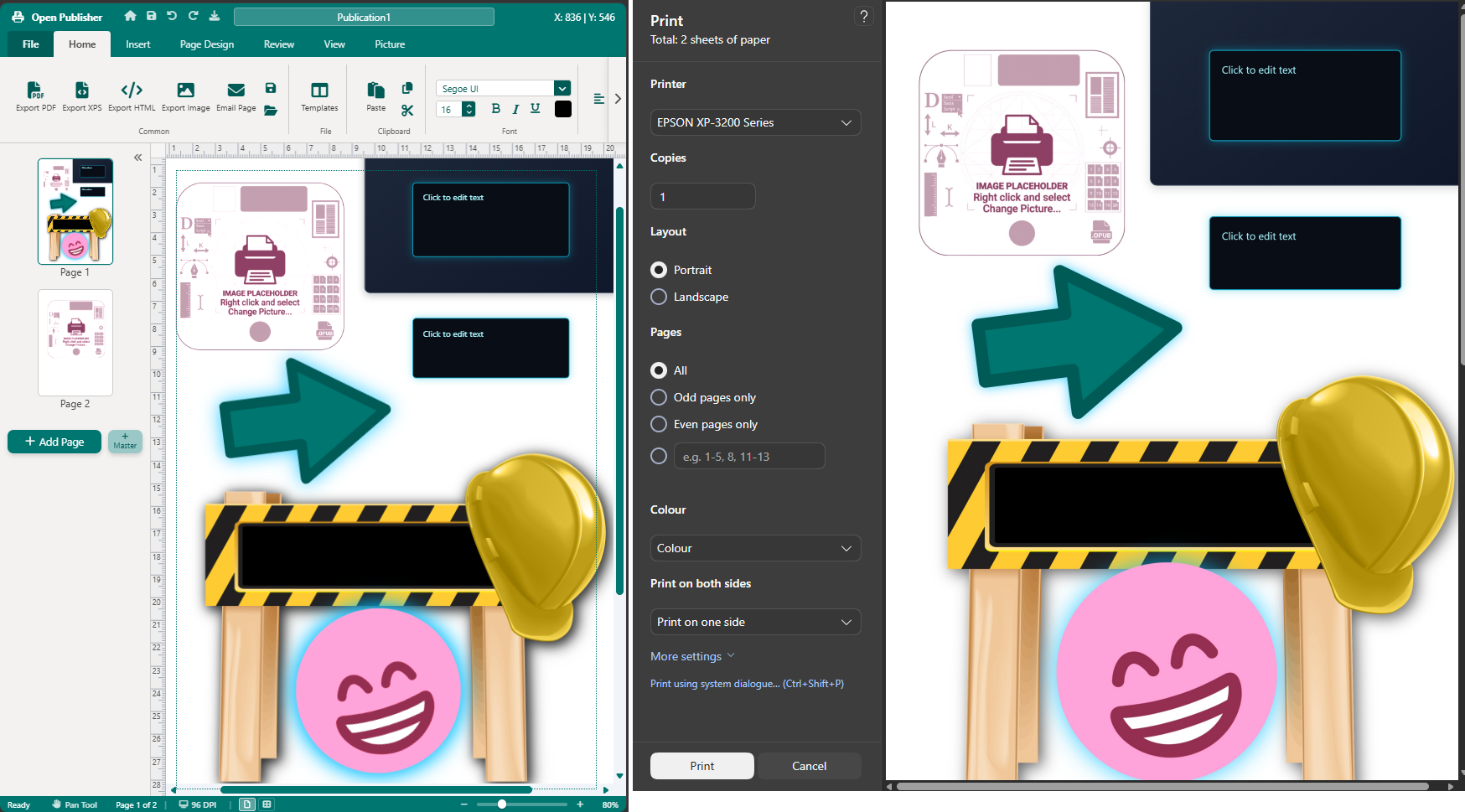 Cropped images display smooth rounded corners in the active editor and print with razor-sharp 2x sub-viewport rasterization.
Cropped Image Print Fidelity & Sub-Viewport Rasterization
The print engine overhaul in Version 5.8.2 eliminated uncropped output and filter distortion:
-
Automated Crop Detection: In extensions/print-engine.js, the raster pre-baking condition now explicitly checks const isCropped = !isDefaultFillImageLayout(savedImgStyle). Any image with custom offsets or crop dimensions automatically triggers high-resolution canvas baking.
-
Retina 2x Sub-Viewport Sampling: When baking cropped images, bakeImageForPrint() allocates a dedicated staging canvas at double resolution (displayW * 2 by displayH * 2), sampling source pixels with exact 1:1 aspect ratio fidelity.
-
Hardware-Accelerated Fallback Clipping: Print staging element wrappers are initialized with overflow: hidden and contain: paint. If external cross-origin security restrictions prevent canvas baking, the browser fallback cleanly clips uncropped portions at exact crop boundaries.
-
Aspect-Ratio Stretch Elimination: Applying image adjustments (such as hue rotation, saturation, brightness, contrast, or sepia) to cropped pictures now preserves exact rectangular proportions without stretching to source dimensions.
Live Canvas Rounded Corner Masking for Cropped Images
Earlier builds exhibited an editor visual defect where rounded corners appeared on prints but left sharp rectangular corners on the canvas:
-
Container Hierarchy Cascading: Rounded corner clipping (8px, 16px, 24px, 32px) now cascades across the entire container hierarchy: the outer element (.pub-element), the content wrapper (.element-content), and the inner image (<img>).
-
Crop to Shape Synchronization: Geometric shape clipping (circles, ellipses, stars, polygons) applies across the element hierarchy, ensuring custom crop shapes display identically on canvas and print.
-
Crop Mode Exit Persistence: Exiting interactive crop mode (state.cropMode = false) inspects existing rounded corner attributes (data-rounded-corners) and re-applies smooth masking immediately.
Document Serialization & Thumbnail Precision
Saved documents and thumbnail navigation reflect accurate crop styling:
-
Page Load Restoration: In core/pages.js, renderPage() restores border-radius and clip-path onto element wrappers from serialized data (effectiveBorderRadius).
-
Thumbnail Mirroring: In createPageThumbnail(), rounded corners and shape paths propagate to thumbnail scale boxes, ensuring sidebar previews match the canvas.
Tip: You can crop an image tightly around a subject, apply a 24px corner radius, and adjust brightness all in one workflow with complete visual fidelity.