
Per-Page Individual Themes & Multi-Page Customization Persistence
Multi-page publications (such as corporate brochures, event catalogs, annual reports, and newsletters) often demand distinct visual atmospheres across different sections: a dark textured cover page, an ivory editorial preface, vibrant content spreads, and clean unthemed body pages. Prior to version 5.5.3, background themes operated as document-wide settings that updated every page uniformly. Version 5.5.3 overhauled the Theme Studio architecture to introduce Per-Page Individual Themes, allowing every page to possess its own independent background theme, custom palette, and 6-slider adjustments with full .opub persistence.
🎨Multi-Page Document Featuring Distinct Per-Page Themes
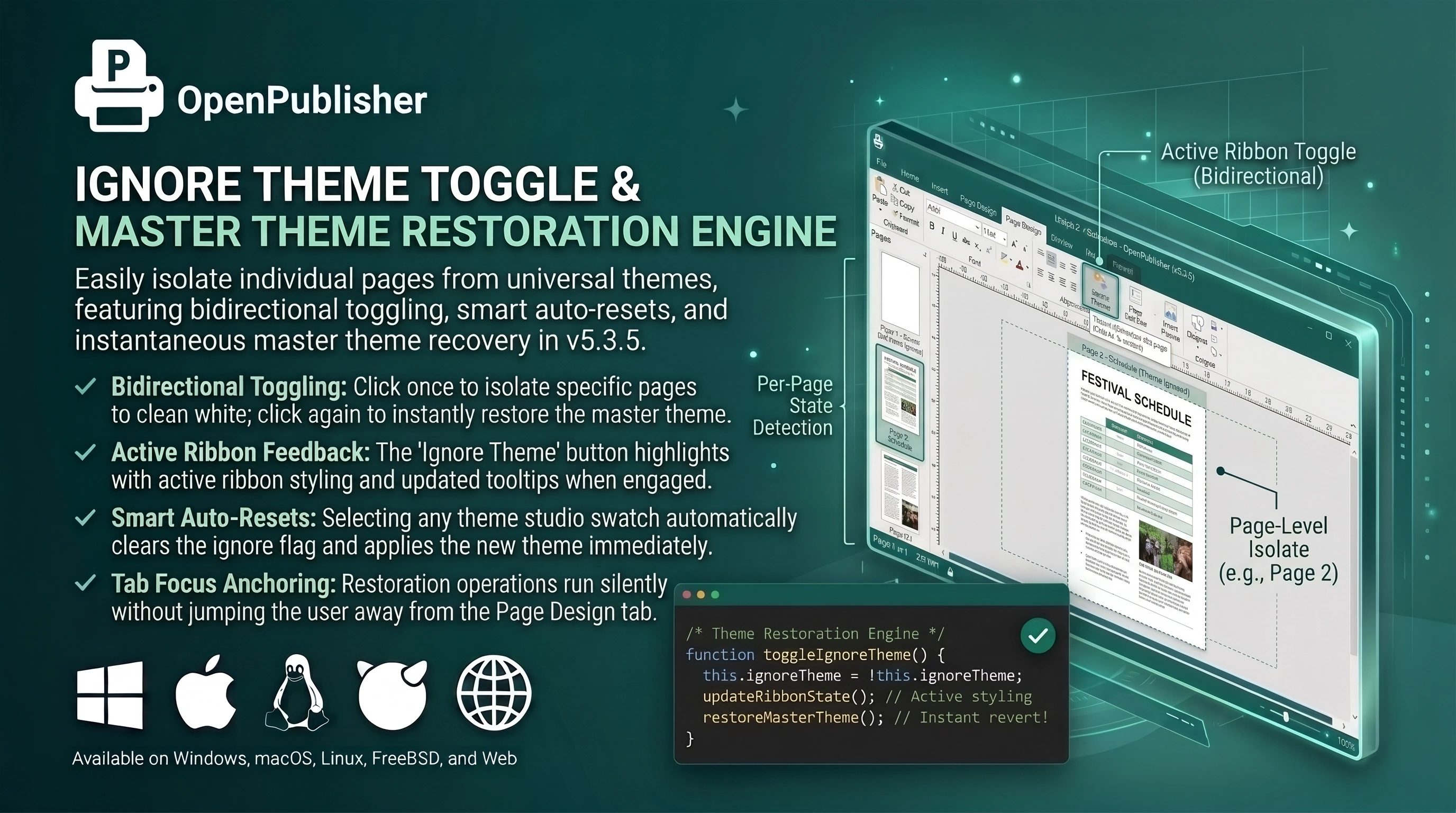 Page 1 displays a rich textured background while Page 2 remains clean and unthemed.
Independent Theme Selection & Slider Scoping
Themes and adjustments are decoupled from global document state and attached directly to individual page data structures:
-
Independent Page Application: Choosing a theme from the Page Design ribbon or Theme Studio popover applies strictly to the currently viewed page without affecting other pages.
-
Individual Slider Profiles: Adjusting Hue Shift, Saturation, Brightness, Contrast, Texture Opacity, or Pattern Zoom modifies only the active page. Navigating between pages automatically updates the ribbon sliders, badges, and gradient tracks to reflect that specific page's settings.
-
Unthemed Isolation: Pages can remain completely unthemed or have "Ignore Background" toggled. Unthemed pages display a crisp white canvas with Theme Studio sliders automatically reset to default values.
Robust .opub File Metadata Persistence
Every page's unique theme configuration is serialized into the document file format under docData.pages[i].themeSettings:
-
Complete Parameter Serialization: Stores theme ID, display name, background fill colors (c1, c2), texture asset URL, and all six numeric slider values (sat, bri, con, hue, tex, size).
-
Strict Definedness Verification: Uses strict definedness checks (!== undefined) so zero-degree hue shifts and 100% default values are never stripped or converted to falsy defaults.
-
Legacy Migration: Opening older publications safely converts document-level theme metadata into page-level settings without overwriting individual page customizations.
Synchronous Page Rendering & Zero Visual Flash
Earlier versions experienced a momentary 500ms flash where the canvas reverted to unadjusted colors during page transitions. Version 5.5.3 moved theme reconstruction to execute synchronously at the end of renderPage(), applying computed CSS filters immediately and delivering seamless, flash-free page switching.
Tip: You can design a dark front cover, light interior pages, and a patterned back cover all within the same publication file.