
Non-Destructive Selection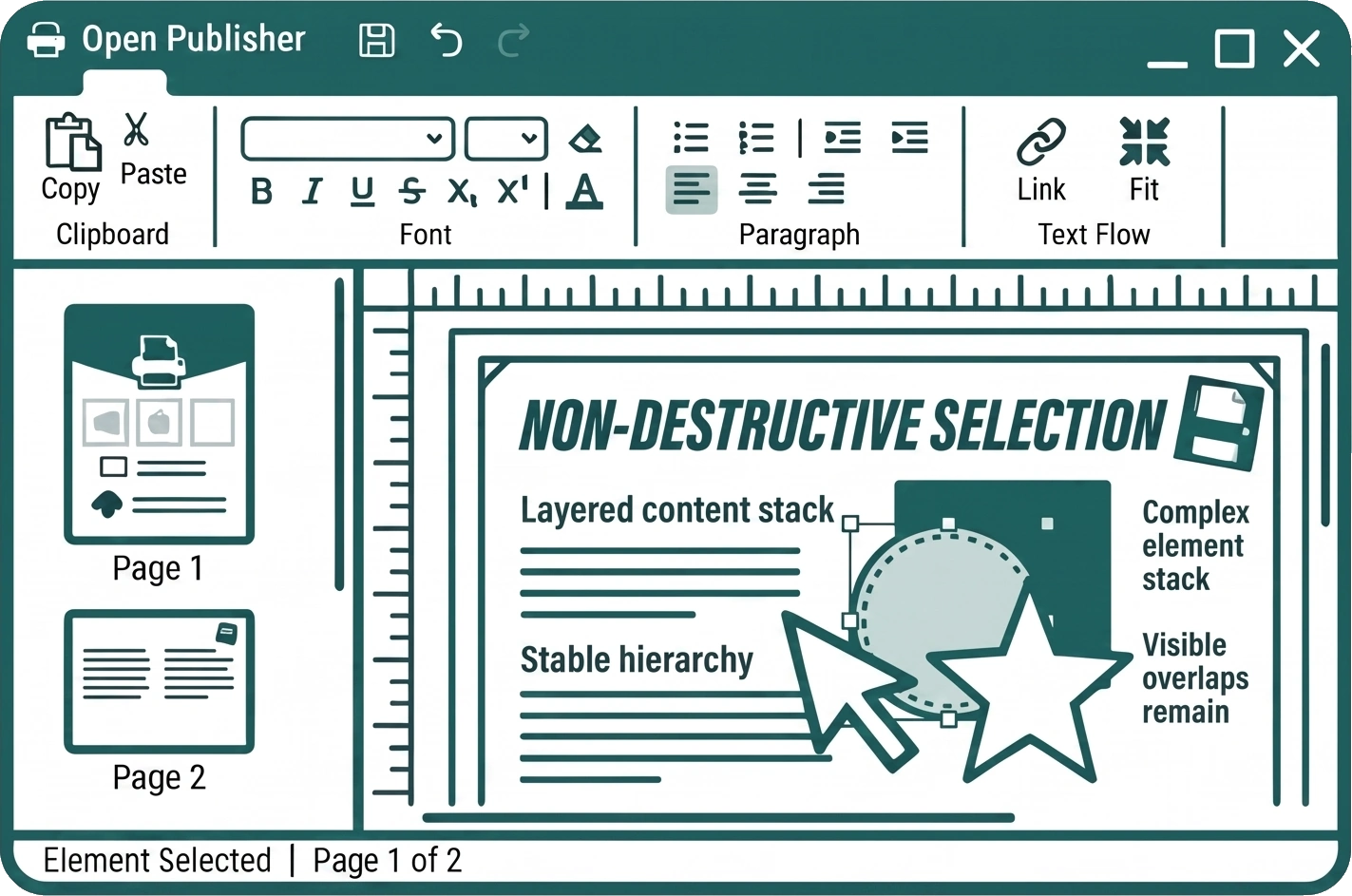
When building complex layouts with overlapping elements, maintaining your visual hierarchy is critical. Open Publisher uses a Non-Destructive Selection system that ensures selecting an object never temporarily pops it to the front or disturbs your carefully arranged layers.
Preserved Stacking Order
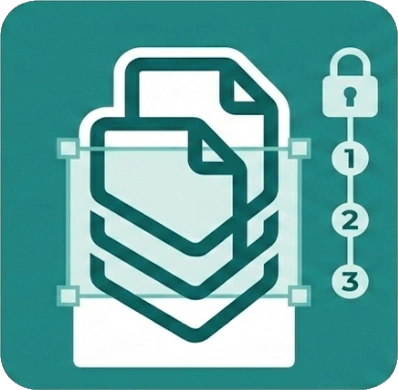
When you select an element that is layered behind other objects, it stays exactly where it is in the visual stack. The image and element stacking order you manually create using the Bring Forward and Send Backward tools remains completely untouched during active selection and editing.
The Floating Selection Overlay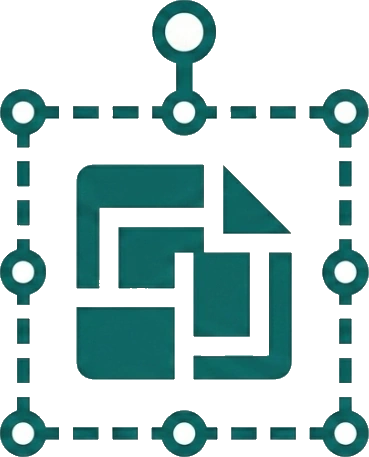
To allow you to manipulate elements without changing their Z-index (layer depth), Open Publisher renders the selection highlighter on a dedicated, floating overlay layer high above the workspace. This overlay includes:
-
The blue dashed bounding box
-
The white resize dots on the edges and corners
-
The rotation stick handle
Top-Level Handle Interaction
Because the resize and rotation handles are rendered on this top-level floating overlay, they are always fully interactive. This ensures that even if you select an object that is deeply buried underneath large shapes or text boxes, you can still easily grab its controls to scale or rotate it without having to move the blocking elements out of the way first.