
Intelligent Copy & Paste
Copying and pasting is one of the most frequent actions in any design workflow, yet in many web-based applications, it can be unpredictable - often resulting in lost formatting or accidentally duplicating entire layout elements instead of just words. To solve this, the clipboard tools (Copy, Cut, and Paste) located in the Home ribbon and the contextual Text Box ribbon in Open Publisher are completely context-aware, ensuring you can quickly duplicate text while preserving your exact typography every time.
Context-Aware Selection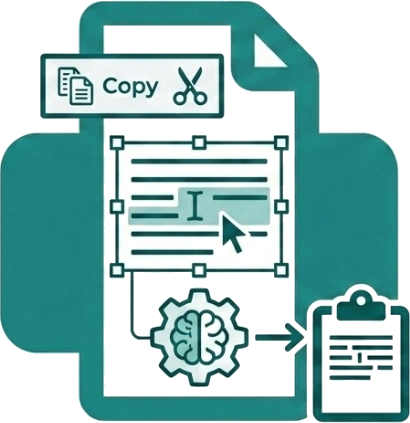
The software’s engine knows exactly what you are trying to do based on your current focus. When you highlight specific text inside a text box and click the Copy or Cut (scissors) button on the ribbon, Open Publisher intelligently detects that you are actively editing text rather than manipulating layout shapes. Instead of copying or deleting the entire text box element (which is a common frustration in complex design tools), it only copies the exact string of text you have highlighted to your system clipboard, ensuring flawless precision and keeping your page layout perfectly intact.
Preserving Rich Text Formatting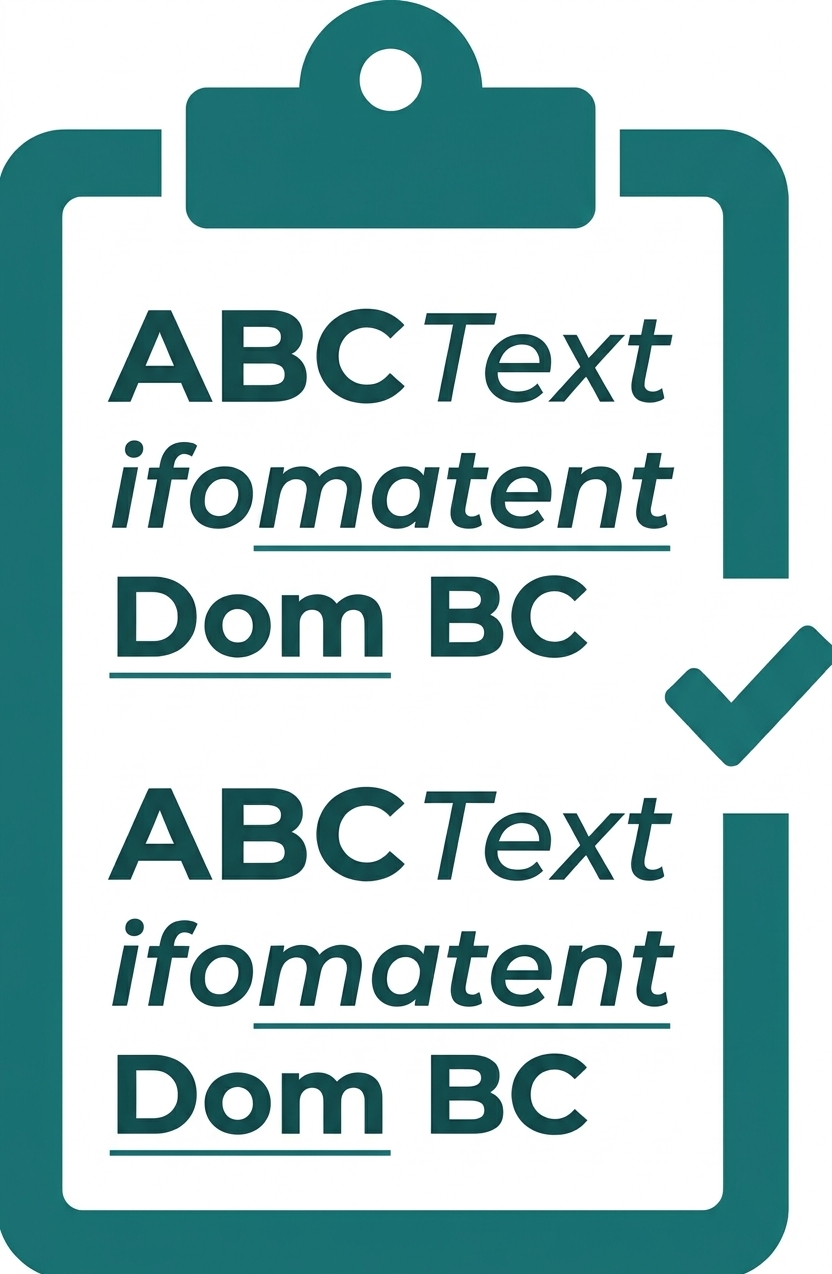
Re-applying fonts, weights, and colours to duplicated text wastes valuable design time. When you copy text from the canvas, Open Publisher’s internal clipboard perfectly captures all of your complex underlying formatting - including custom font sizes, specific brand colours, bolding, italics, and underlines. When you click the Paste button on the Ribbon (or use Ctrl+V), the application interprets this rich formatted data and pastes the text exactly as it was originally styled. This saves you from having to manually rebuild your typographic settings step-by-step.
Standard Keyboard Shortcuts
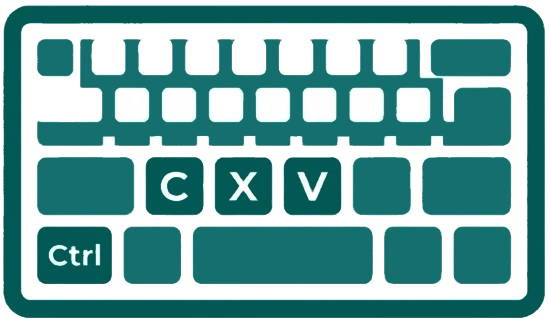
While the Ribbon provides clear, accessible buttons for clipboard actions, Open Publisher also fully supports standard operating system keyboard shortcuts (Ctrl+C for Copy, Ctrl+X for Cut, and Ctrl+V for Paste). These shortcuts utilize the exact same intelligent, context-aware engine as the Ribbon buttons, guaranteeing perfectly consistent behaviour however you prefer to work.