
Ignore Theme Toggle & Master Theme Restoration Engine
Multi-page publications such as magazines, newsletters, and catalogs often feature custom cover designs or stark white photo spreads that should not share the universal background applied to the rest of the document. In earlier versions, clicking "Ignore Theme" was an irreversible one-way action that permanently locked that page out from receiving themes again. Version 5.3.5 transformed "Ignore Theme" into a fully reactive, bidirectional toggle button with active ribbon feedback, smart auto-resets, and instantaneous master theme recovery.
🎨Bidirectional Ignore Theme Ribbon Toggle & State Indicator
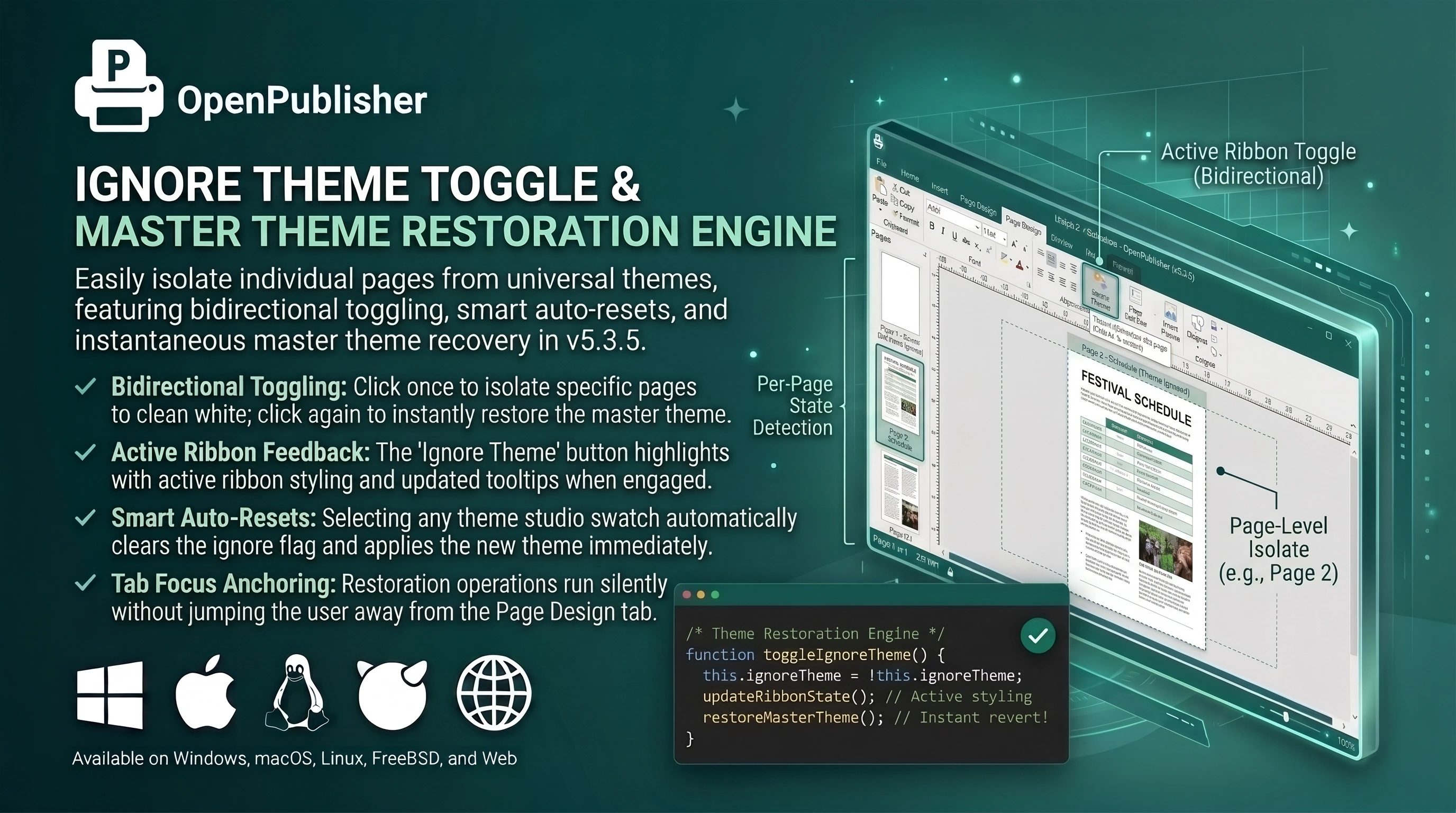 The Ignore Theme button highlights with active ribbon styling when engaged, and clicking again restores the document theme.
The One-Way Lockout Flaw
Auditing the legacy Page Design ribbon revealed why users experienced theme lockouts:
-
Permanent Flag Assignment: The original routine assigned ignoreBackground = true to the page without providing any toggle back to false.
-
Watchdog Deletion: The background self-healing engine monitored pages and automatically removed newly selected themes if the ignore flag was set, making the theme picker appear broken.
-
Ribbon Tab Jumping: Restoring theme containers created new element wrappers that stole focus and jumped the user away from the Page Design tab.
The Bidirectional Toggle Architecture
Version 5.3.5 implemented an intuitive, reactive toggle system in ui/themes.js and extensions/legacy-fixes.js:
-
Bidirectional Toggling: window.toggleIgnoreTheme() toggles the override cleanly. Clicking once clears the background to clean white and activates the button; clicking again turns the override off and restores the document's master theme immediately.
-
Reactive Ribbon Styling: When active, #no-bg-btn highlights with an accent tint, theme border, and an updated tooltip (Theme Ignored on this page (Click to re-enable)).
-
Smart Auto-Reset on Swatch Selection: Clicking any Theme Studio swatch or color palette automatically clears the ignore flag and applies the new theme immediately without watchdog interference.
-
Ribbon Tab Anchoring: Theme reconstruction mutes tab switches temporarily, keeping the user smoothly anchored on the Page Design ribbon tab.
-
Per-Page Synchronization: Switching pages dynamically updates the button state to reflect whether that specific page is ignoring themes or displaying one.
Tip: Use Ignore Theme on cover pages and back covers to create clean, untextured title spreads while preserving consistent themes across interior pages.