
Permanent Page Orientation & Rotation Lock
Multi-page publications frequently combine portrait text pages with wide landscape foldouts or technical tables. Open Publisher features a rock-solid page orientation architecture that permanently locks orientation across saves, template imports, and session restores without auto-rotation guessing.
🔄Open Publisher Orientation Controls and Page Tags
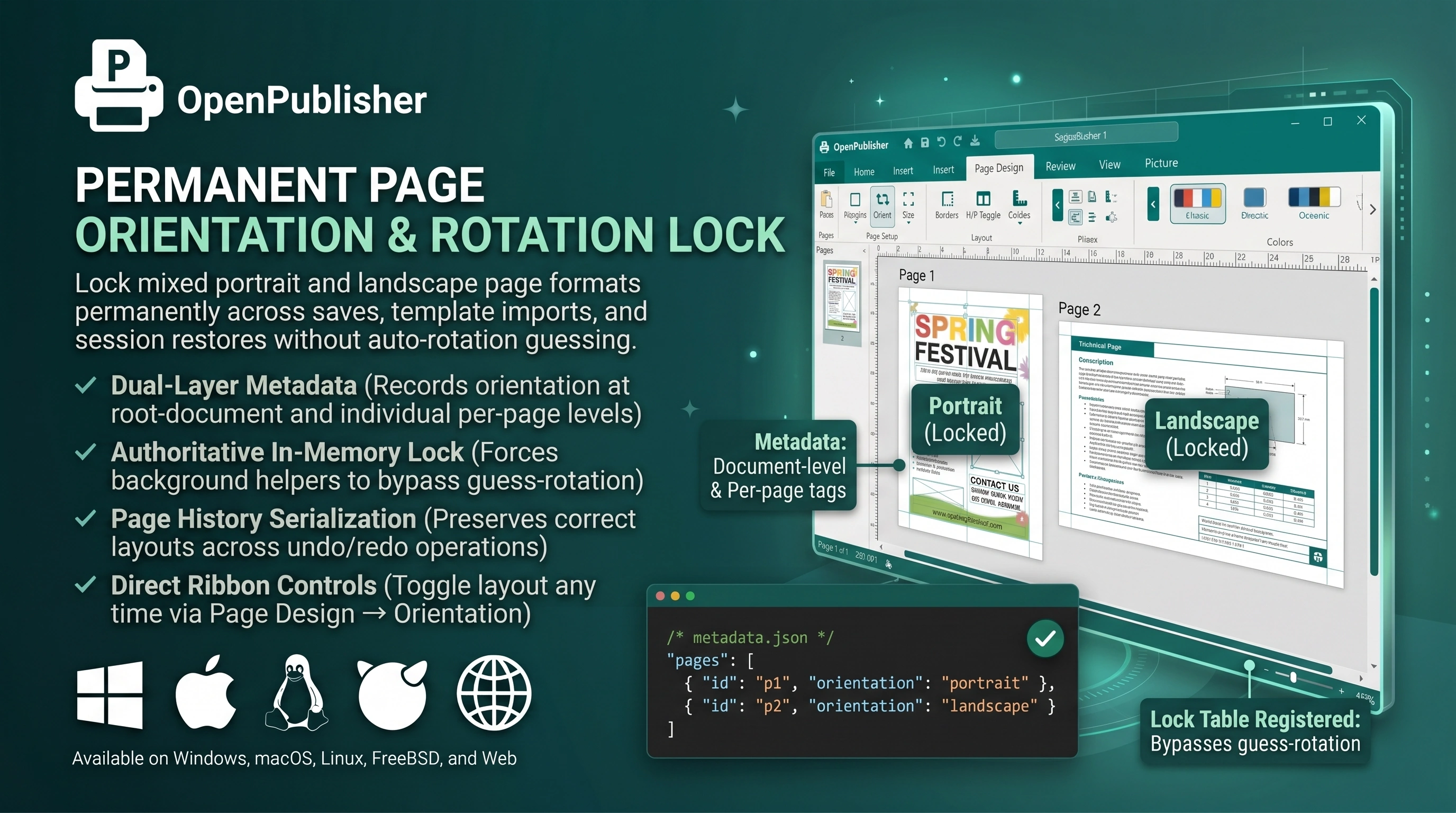 Page orientation selector with explicit portrait and landscape metadata tags per publication page.
Dual-Layer Orientation Metadata
Orientation state is recorded explicitly at two architectural levels inside the .opub format:
-
Root-Level Document Tag: The top-level document manifest records the overall publication format ("portrait" or "landscape") alongside spread mode and master page settings.
-
Per-Page Orientation Records: Each individual page object in the pages array stores its own independent "orientation" tag, enabling complete support for mixed-orientation publications.
In-Memory Registry Locking
In earlier versions, background helpers occasionally attempted to guess orientation by inspecting canvas contents (such as mistaking a wide banner on a portrait page for a landscape document). Open Publisher introduces an authoritative in-memory lock table (window._orientedPagesRegistry):
-
Hard Guards: Background intervals immediately check if a page has an explicit orientation tag; if present, the page ID is registered and auto-rotation is permanently bypassed.
-
Deep Cloning on Load: Opening publications from the Dashboard Start Screen or Recent Files performs deep page cloning and normalizes aspect ratios against explicit tags.
-
History Serialization: Every undo/redo snapshot captured by serializeCurrentPage() locks orientation, ensuring layout integrity across all revisions.
Note: You can switch a page's orientation at any time via Page Design → Orientation on the Ribbon.