
Vector Clipart Recoloring, Fill Overrides & Transparency
While standard bitmap images (such as JPEG and PNG photos) require destructive pixel editing to alter color balance, Open Publisher's built-in Clipart Gallery utilizes scalable vector graphics (SVG). Because vector clipart consists of mathematical curves and discrete shape layers, authors can recolor illustrations, override fills, customize stroke borders, and apply subtle transparency without degrading image sharpness or requiring external graphic software.
🎨Vector Clipart Color Inspector & Fill Overrides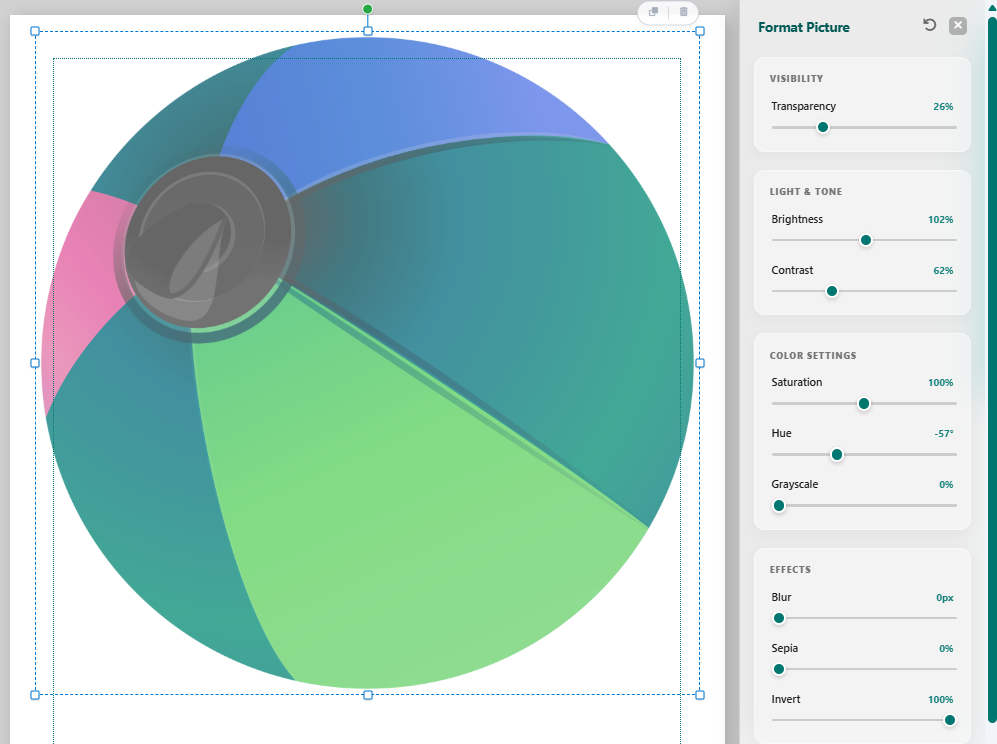 Adjust vector fill colors, stroke palettes, and transparency without external graphic design software
The Clipart Color Inspector
Selecting any inserted clipart graphic activates the dedicated formatting inspector in the ribbon:
-
Vector Layer Parsing: The inspector automatically scans the SVG internal DOM and extracts unique color swatches corresponding to each fill and outline path.
-
Theme Harmony Mapping: Click "Map to Active Theme" to instantly convert multi-colored illustrations to harmonious shades derived from your publication's primary and accent color theme.
Custom Fill & Stroke Overrides
For precision branding control, users can target individual elements within any illustration:
-
Discrete Swatch Replacement: Click any extracted color tile in the ribbon to open the color picker and assign custom corporate hex values.
-
Stroke Thickness & Removal: Modify outer stroke weights to increase visual prominence or eliminate outlines entirely for a contemporary flat-design aesthetic.
Layer Opacity & Watermark Blending
The Clipart Format panel includes an interactive Opacity slider ranging from 0% to 100%. Reducing clipart opacity allows illustrations to blend softly into background patterns, header banners, or serve as full-page watermark decorations beneath body copy.
Tip: To use vector clipart as a subtle background watermark, set its opacity slider to 15% and send the object to the back layer.