
Context Menus
Open Publisher replaces the browser’s default right-click menu with custom, application-specific context menus throughout the entire workspace. Every area of the interface has its own tailored menu with relevant options for that location.
Canvas Right-Click Menu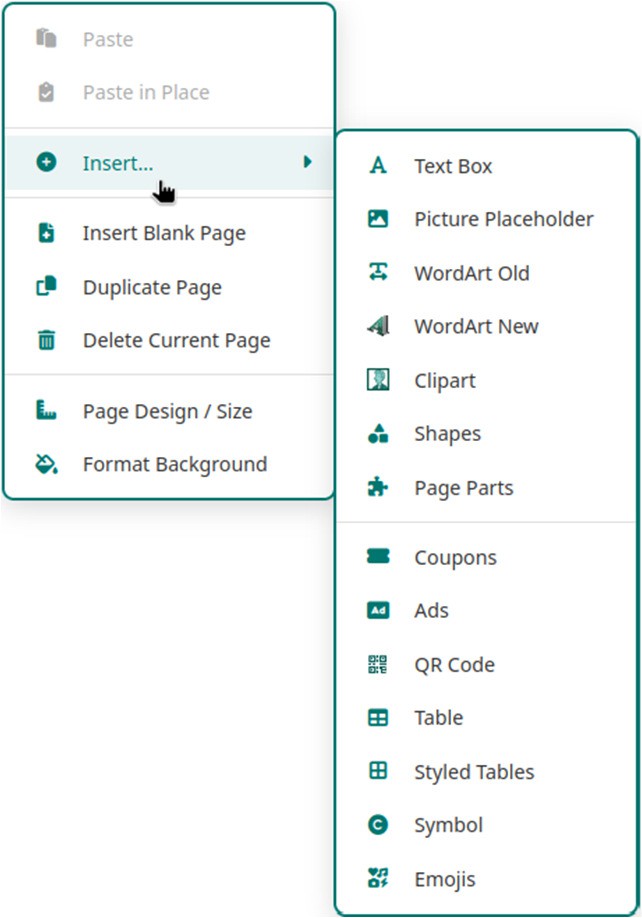
Right-clicking on an empty area of the document canvas (not on an element) opens a menu with:
-
Insert sub-menu – Table, Styled Tables, Text Box, Picture, Shape, Drawing, QR Code, and more.
-
Format Background – Opens the background colour and texture dialog.
-
Snap to toggles – Grid, Guides, and Objects.
-
Show/Hide Rulers, Toggle Grid, Page Design/Size.
Element Right-Click Menus
Right-clicking a canvas element opens a contextual menu specific to that element type:
-
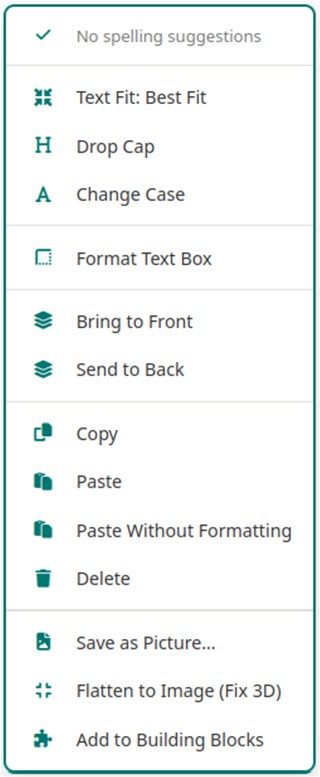
Text Box – Layering controls (Bring Forward, Send Backward, etc.), formatting options, Save as Picture, and copy/paste actions.
-
Table – Insert Row/Column, Delete Row/Column/Table, Merge Cell options, and Clear Cell Text.
-
Image – Layering controls, crop options, and Save as Picture.
Page Thumbnail Right-Click Menu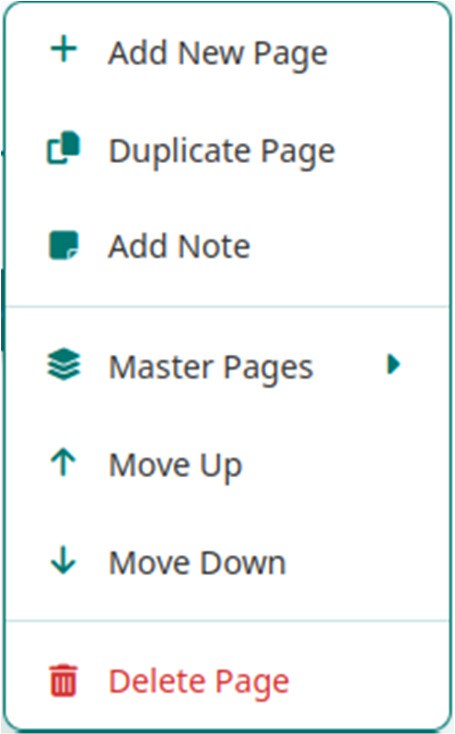
Right-clicking a page thumbnail in the left sidebar opens a page management menu with:
-
Duplicate Page
-
Move Page Up / Down
-
Delete Page
-
Add Note (add a custom label to the thumbnail)
-
Master Pages sub-menu (Set Master, Ignore Master, None)
Workspace Background Right-Click Menu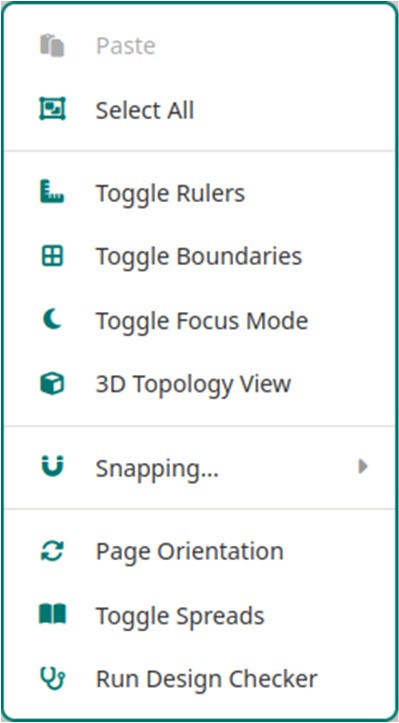
Right-clicking the grey workspace area outside the document canvas opens a menu with:
-
Add new blank page
-
Show/Hide Rulers
-
Toggle page margins
-
Page Design/Size
-
Format Background
Ribbon Right-Click Menu
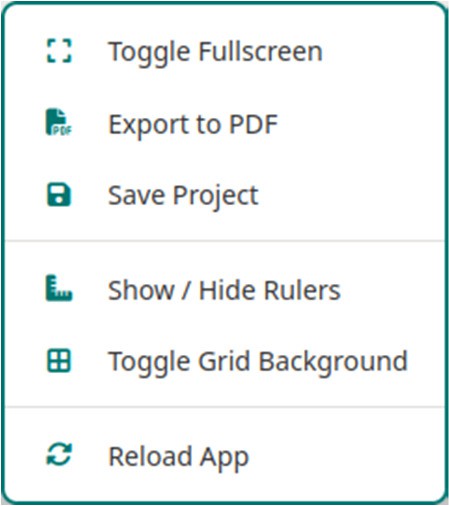
Right-clicking the empty grey space in the ribbon toolbar opens a menu with:
-
Toggle Fullscreen
-
Export to PDF
-
Save Project
-
Toggle Grid Background
-
Reload App
Title Bar Right-Click Menu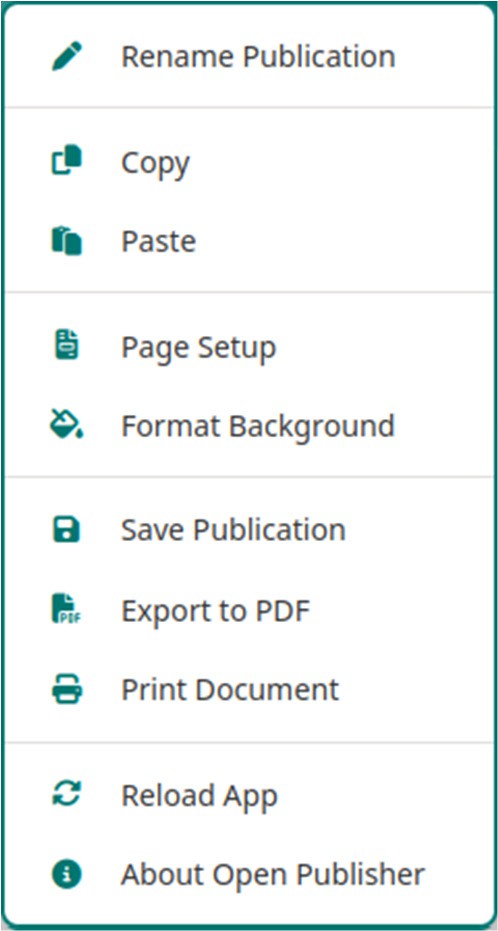
Right-clicking the empty space in the top menu bar (where the document title is displayed) opens a menu with:
-
Rename Publication
-
Copy / Paste
-
Page Setup
-
Save / Export / Print
-
Reload App and About
Zoom Bar Right-Click Menu
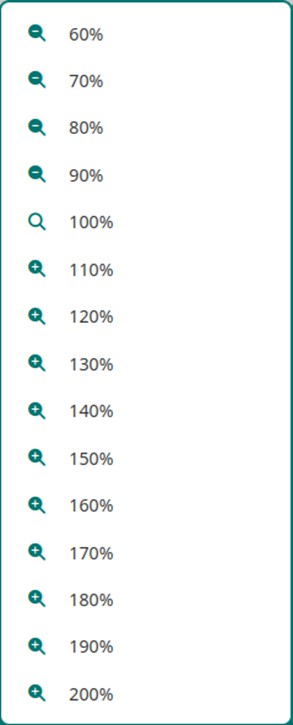
Right-clicking the zoom slider in the bottom-right corner opens a quick scale menu with preset zoom levels from 60% to 200%, for instant one-click access to the most common zoom settings.