
Document Load Page Focusing & Viewport Auto-Centering
When opening an existing publication, template, or recent project, designers expect their canvas to appear immediately in view. In earlier versions of Open Publisher, loading files - particularly high-resolution 300 DPI print documents measuring 2480px by 3508px - occasionally caused the canvas to spawn off-screen or at distant scroll offsets, requiring manual scrollbar dragging. Version 5.1.7 introduces a centralized page focusing coordinator and dynamic scroll bounds engine, ensuring documents always open centered, full-viewport, and cleanly focused.
🎯Centered Document Load & Smooth Horizontal Scroll Bounds
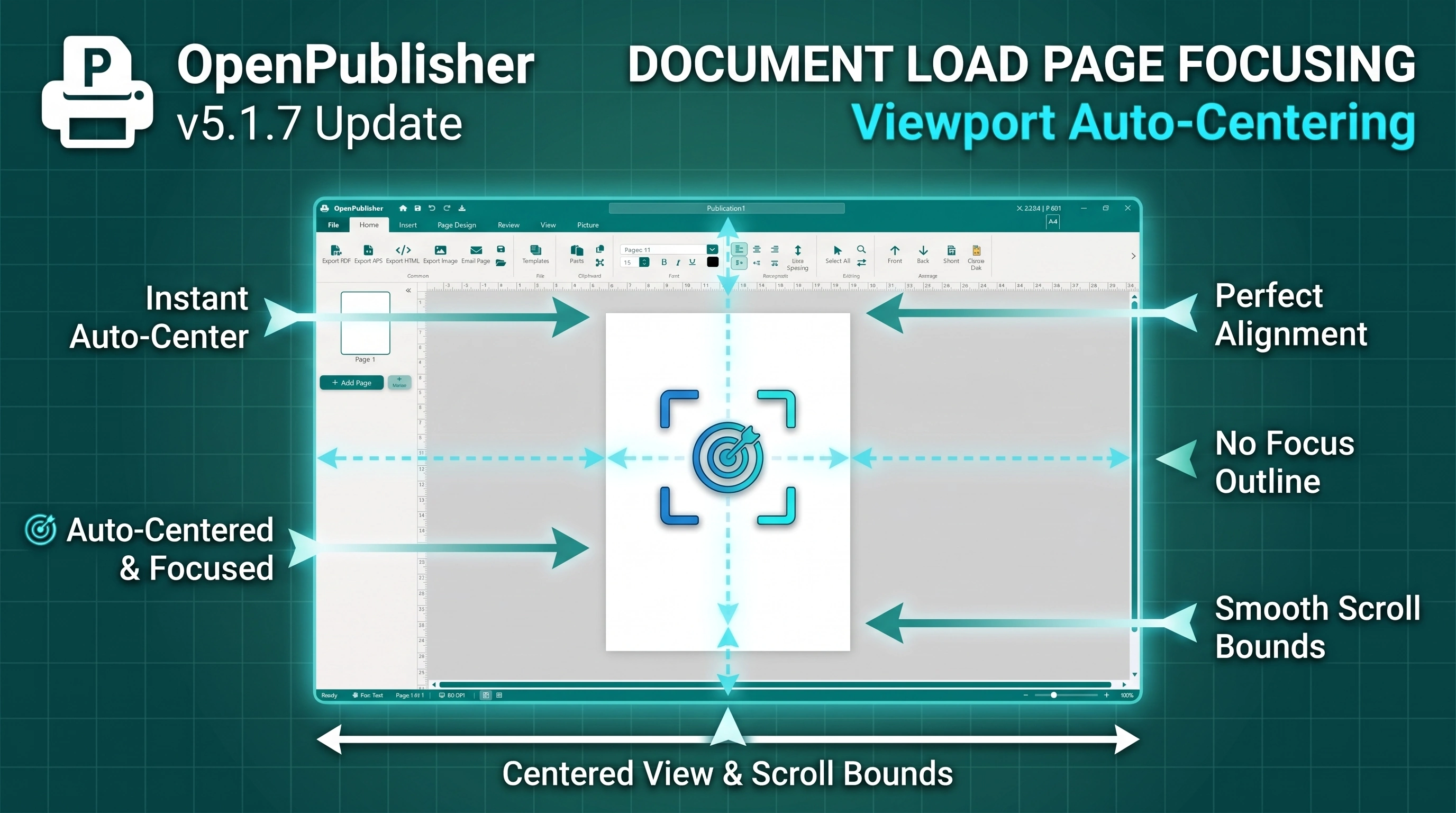
Publications center automatically in the viewport upon opening with smooth side-to-side scrolling and no focus borders.
Centralized Page Focus Engine
The window.focusPage() coordinator in canvas/canvas.js synchronizes workspace viewport states on load:
-
Single-Page View Reset: Automatically exits multi-page grid or overview modes, resetting state.viewMode = 'single'.
-
Scroll Offset Normalization: Resets viewport scrollTop and scrollLeft to zero, clearing residual offsets left over from prior editing sessions.
-
Resilient Optical Zoom: Invokes an enhanced fitToPage() calculation with multi-tier fallback dimension checks, scaling the document perfectly to fit within the available workspace window.
-
Universal Lifecycle Integration: Hooked into native .opub and .docx file loading, template gallery imports, blank document creation, and Recent Files card clicks.
Elimination of the Dark Focus Outline
In previous iterations, focusing the canvas added a temporary tabindex to the paper element, prompting browsers to draw an unsightly 1px dark focus rectangle around the document. Version 5.1.7 completely eliminates this artifact:
-
CSS Hard Guards: Added outline: none !important; to #paper, #paper:focus, and #paper:focus-visible.
-
Attribute Sanitization: Removed programmatic tabindex assignments and focus calls, preserving pure document aesthetics.
Dynamic Canvas Scroll Bounds Engine
When zoomed in beyond 100% on high-DPI canvases, standard CSS flex centering causes scaled content to expand symmetrically into negative coordinates, cutting off the left edge. The window.updateCanvasScrollBounds() engine solves this:
-
Intelligent Shift Compensation: When scaled content exceeds the viewport, the paper shifts right so its left edge maintains at least 50px of comfortable breathing room at scrollLeft = 0.
-
Dynamic Scroll Sizer: Injects a scroll-sizer element that expands scrollWidth symmetrically, providing equal 50px margins on both left and right edges.
-
Native Side-to-Side Navigation: Smooth horizontal scrolling via scrollbar track dragging, horizontal trackpad swiping, and Shift + Mouse Wheel scrolling across all zoom levels (1.0x to 3.0x).
Tip: Press Ctrl + 0 (or Cmd + 0 on macOS) at any time to instantly re-center and fit your active page to the workspace.