Opening & Importing Files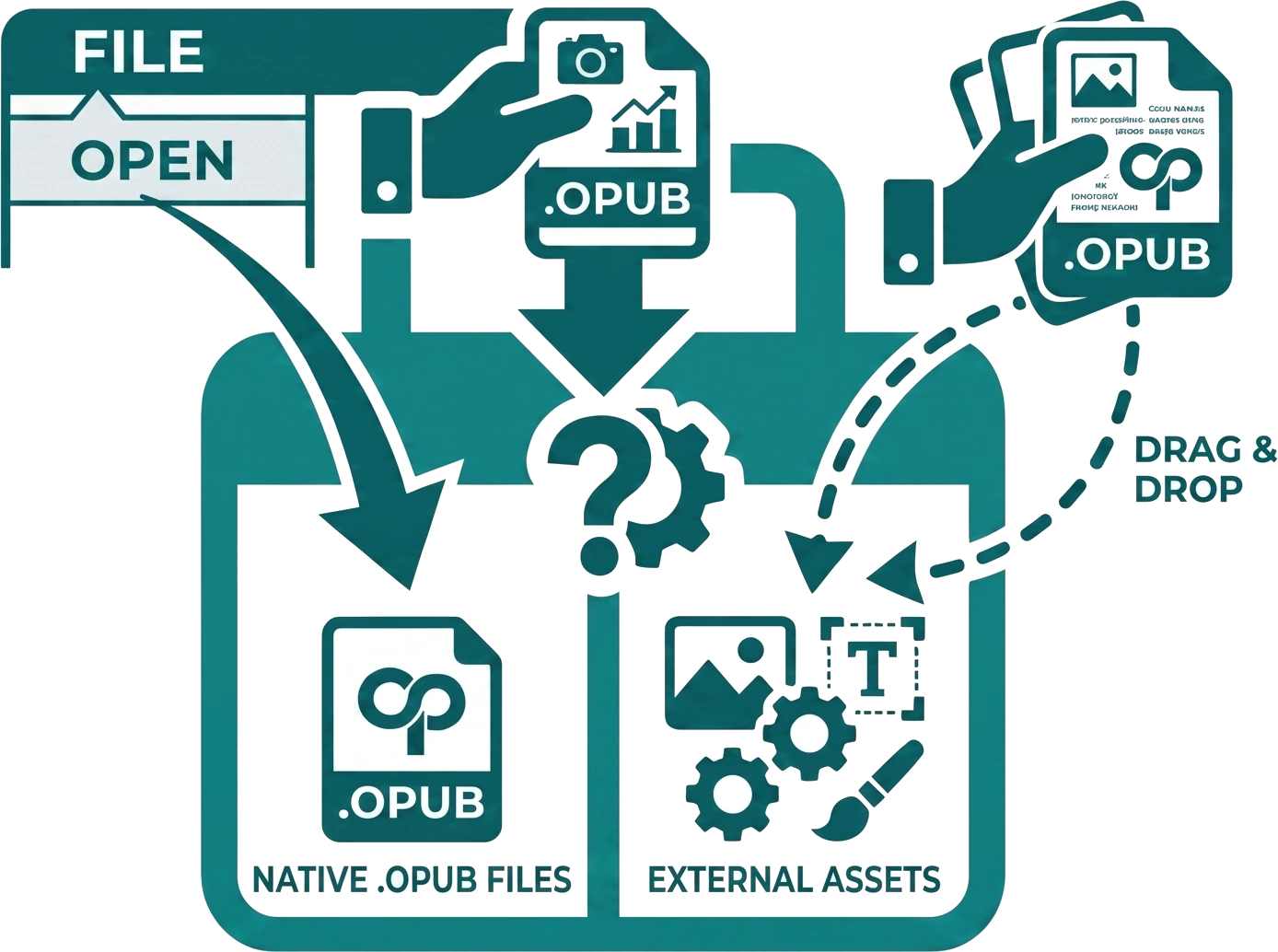
Open Publisher is designed to act as a versatile hub for all your design assets. In addition to saving and loading its native .opub format, the software can effortlessly open and import a wide variety of standard file types. You can bring external content into your project traditionally via the File > Open menu, or for a faster workflow, you can simply drag & drop files directly from your computer’s desktop.
Supported File Types
| File Type |
Extension(s) |
Description |
| Native Format |
.opub, .json |
Full fidelity loading – restores your entire working session exactly as it was saved, preserving all layers, text boxes, styling, and high-resolution assets. |
| Images |
.png, .jpg, .gif, .webp, etc. |
Dropped or opened images are instantly placed directly onto the current page canvas as movable, resizable elements, ready to be cropped or filtered. |
| Publisher Files |
.pub, .pubx |
Experimental import of legacy Microsoft Publisher files. Our engine maps older assets to new formats, though layout fidelity may vary depending on the complexity of the original file. |
| Excel Spreadsheets |
.xlsx, .xls |
Instead of importing as raw text, spreadsheets are intelligently rendered as fully interactive, movable, and resizable table objects on the canvas, preserving your grid structure. |
| Word Documents |
.doc, .docx |
Because word processors handle layouts differently than publishing software, two distinct import modes are available (see below). |
Word Document Import Modes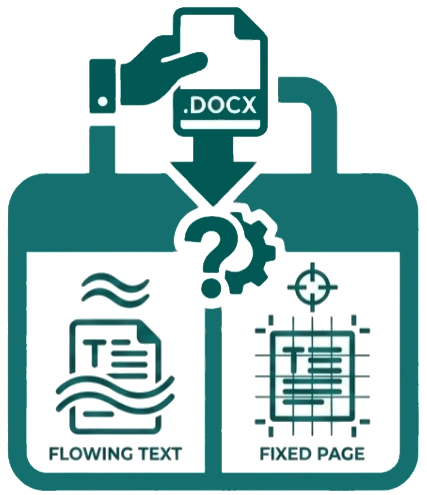
Word processors use “flowing” text rather than absolute page coordinates. Because of this, dropping or opening a .doc or .docx file triggers an intelligent Import Wizard with two specific modes, allowing you to choose how the text is handled based on your project’s needs:
| Import Mode |
Description |
| Editable Text Mode |
The engine extracts all paragraphs, fonts, and colours, and intelligently converts them into editable Open Publisher text boxes. This is best for articles, essays, and standard documents where you want to continue rewriting or styling the content after importing. |
Flattened Image Mode
(Safe Mode) |
The document is rendered as a crisp, high-resolution, uneditable background image, locking everything in place to guarantee 100% layout accuracy. Highly recommended for complex forms, technical medical tables, or any document where pixel-perfect formatting fidelity matters more than the ability to edit the text. |
