
Crisp Margin Guides at All Zoom Levels
Precision alignment demands margin guides that remain sharp and clearly visible whether you are zoomed in to 300% on a logo or zoomed out to 40% on a multi-page spread. Open Publisher features a dedicated margin guide compositor engine that bypasses GPU downsampling blur and maintains device-pixel clarity across all zoom levels.
📐Open Publisher Margin Guide Overlay at Low Zoom
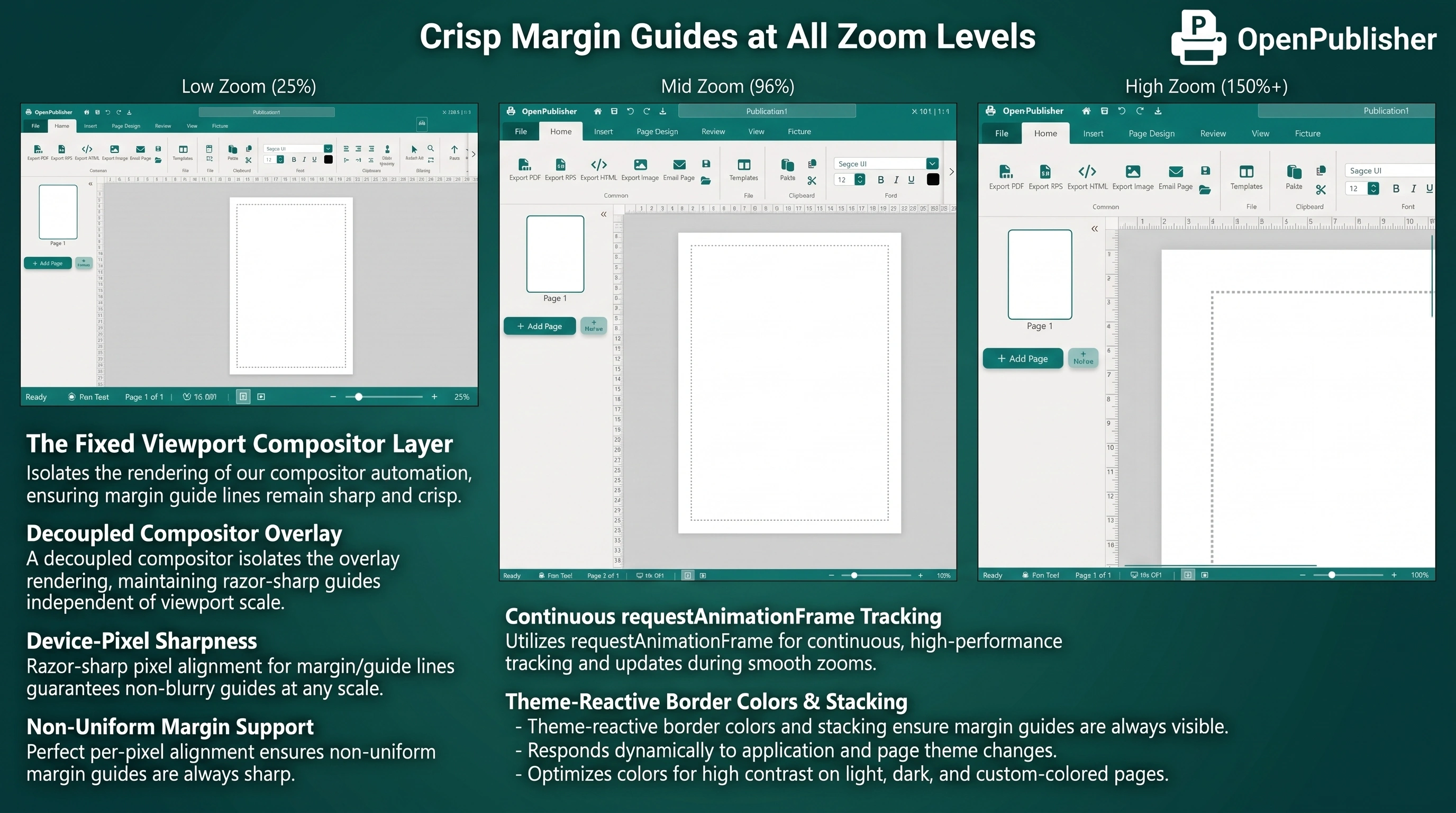 Crisp, non-blurry margin guide dotted lines rendered at device-pixel sharpness during canvas zooming.
The Fixed Viewport Compositor Layer
Traditional canvas elements scale via CSS transform scaling (transform: scale(z)). When Chromium encounters fine details below 1.5 physical pixels (such as a 1px dotted guide line at 60% zoom), the lines blur away during GPU downsampling. Open Publisher solves this permanently:
-
Decoupled Compositor Overlay: The margin guide renders as a top-level, fixed body element (#margin-guide-overlay) positioned directly in viewport coordinates.
-
Device-Pixel Sharpness: Because the overlay sits outside the canvas transform layer, it is never downsampled by the GPU, guaranteeing razor-sharp lines at all zoom settings.
-
Non-Uniform Margin Support: The overlay dynamically reads state.margins to faithfully represent Normal, Narrow, Wide, and custom user margins.
Continuous requestAnimationFrame Tracking
Rather than relying on discrete scroll or zoom events that can drop frames during fast navigation, the overlay tracks the paper canvas inside a continuous requestAnimationFrame loop. This guarantees that margin guides remain pixel-perfectly locked to the paper boundaries during rapid panning and window resizing.
Theme-Reactive Border Colors & Stacking
The margin guide engine is finely tuned for visual comfort:
-
Automatic Palette Sync: The overlay reads --ui-theme-color on every frame, instantly updating guide colors when switching between Classic Teal, Word Blue, Sunset Orange, or Dark Mode.
-
Recalibrated Z-Index: Indexed to z-index: 1001 so guides float cleanly above canvas objects but remain strictly beneath ribbon menus and font dropdowns.
Note: Margin guides can be toggled on or off at any time via Page Design → Margins on the Ribbon.