
Desktop App Download Router for Windows, macOS, Linux & FreeBSD
Providing users with seamless access to native application binaries is essential for modern desktop publishing. While mobile devices and tablets benefit from the Progressive Web App (PWA) "Add to Home Screen" workflow, desktop computers require standalone installers and portable packages for offline productivity. Version 5.6.8 introduced an intelligent in-app modal download router and device classification engine, embedding download.openpublisher.app directly inside the application so desktop users can browse native releases without leaving their active document.
💻In-App Desktop App Download Router Modal Window
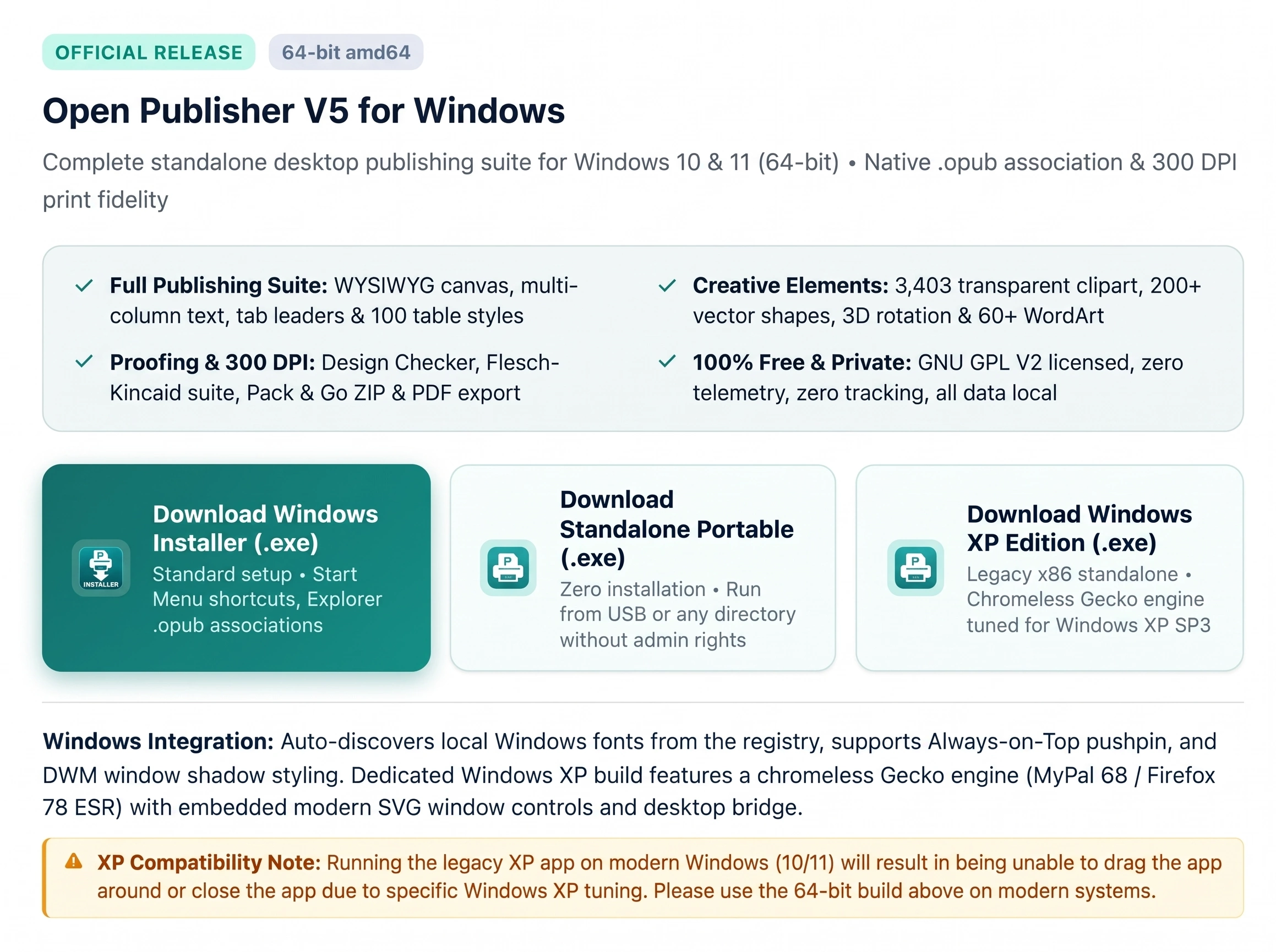 Desktop users can inspect and download Windows, macOS, Linux, and FreeBSD builds in an embedded modal without leaving the editor.
(This model shows Windows Only due to being displayed on Windows, but you can select any OS from the top.)
The In-App Modal Download Architecture
Desktop web sessions bypass disruptive tab navigation by rendering the downloads portal in a native modal window:
-
Embedded Dialog Window: Leverages Open Publisher's DialogSystem.show architecture to render https://download.openpublisher.app/?in_app=true within an interactive iframe.
-
Fluid Resizing & Centering: Sized at 92vw by 85vh (up to 1200px width) with bidirectional CSS resizing (resize: both) and keyboard Esc dismissal.
-
Zero Page Leave Conflicts: Because the download window runs as an in-app overlay, users never trigger browser page-leave confirmations or risk losing unsaved document changes.
Device & Platform Classification Engine
The routing engine distinguishes desktop computers from mobile devices via PwaInstallSystem:
-
Desktop Environments: Windows, macOS, Linux, and FreeBSD computers route directly to native desktop installers (.exe, .dmg, .AppImage, .deb, .rpm, and FreeBSD standalone packages).
-
Mobile & Tablet Preservation: Smartphones and tablets (including iPadOS desktop user agents on MacIntel) retain the PWA workflow, receiving native Chromium install banners and iOS Safari Home Screen instructions.
-
Native Client Suppression: When Open Publisher is running inside an installed desktop shell (Electron or NW.js), all download and install buttons hide automatically (display: none).
User Interface Access Points
Users can access native downloads from two primary locations:
-
Title Bar Quick Action: The tray download icon (#pwa-install-btn) displays an informative tooltip and opens the download modal.
-
File Ribbon Tool Button: The Share & App group in the File ribbon features a dedicated "Download App" button with a desktop monitor icon (fa-desktop).
Tip: You can also open the downloads dialog programmatically from the browser console or scripts using window.showDownloadModal().