
How to Open and Edit Microsoft Publisher (.PUB) Files on macOS and Linux for Free
Native Microsoft Publisher Compatibility for Apple Mac & Linux
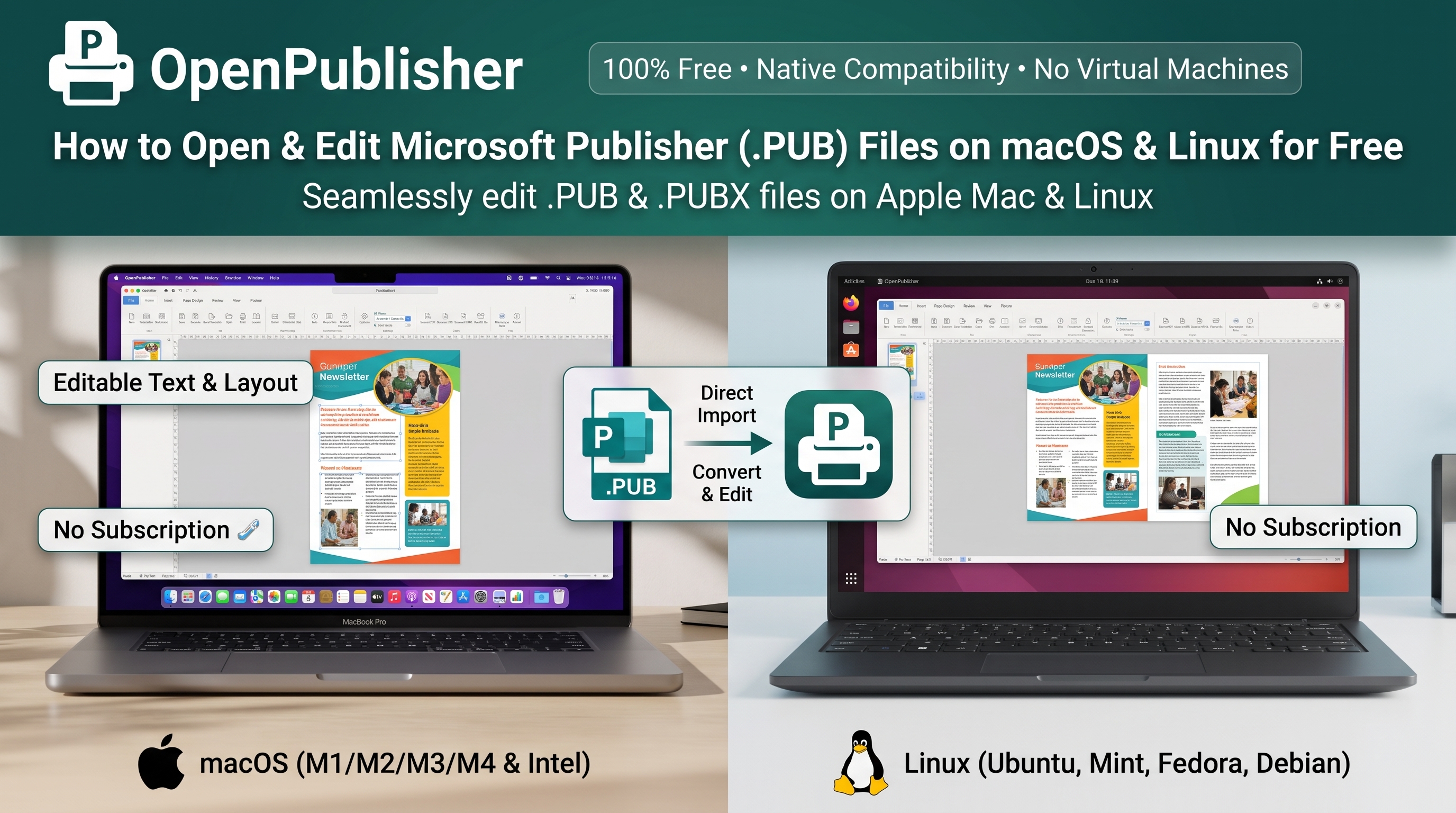
For over 35 years, Microsoft refused to release Microsoft Publisher for macOS or Linux. Today, OpenPublisher ends that lock-in forever. Open, edit, restyle, and print any .pub or .pubx document natively on macOS 10.15 Catalina & above (Apple Silicon M1/M2/M3/M4 & Intel), Linux (Ubuntu, Mint, Fedora, Debian, Arch, SteamOS), FreeBSD, and iPadOS: 100% free, with zero virtual machines or paid converters.
- Instant .PUB & .PUBX Drag-and-Drop Import: Drop any Publisher document directly into your browser or desktop app to reconstruct layouts with live, editable text boxes, vector curves, tables, and images.
- Complete Creative Toolkit: Access over 214+ authentic WordArt styles, 700+ Theme Studio palettes, and 100+ Styled Text Box presets natively on your Mac or Linux desktop.
- 100% Free & Transparent Architecture: No subscriptions, no ads, no paywalls, and no tracking. Conversion is powered by our open-source Cloudflare-backed libmspub engine (available on GitHub in the ServerSide branch), while all layout editing and export workflows run locally on your machine.
Why Mac and Linux Users Were Left Behind by Microsoft
While Microsoft built native versions of Word, Excel, PowerPoint, Outlook, and OneNote for macOS, Microsoft Publisher was deliberately kept as a Windows-only exclusive for its entire lifespan. Mac designers, Linux administrators, community volunteers, church secretaries, and educators who received .pub attachments were routinely stranded with no official way to view or edit them.
With Microsoft officially retiring Microsoft Publisher in October 2026, finding a cross-platform solution is no longer optional. Whether you manage thousands of legacy archives or simply need to update an annual newsletter on your MacBook or Linux laptop, OpenPublisher delivers a seamless, drop-in desktop publishing environment designed specifically for modern non-Windows workflows.
6 Ways to Open a .PUB File on Mac & Linux Compared
Historically, receiving a .pub email attachment on a MacBook or Linux workstation meant choosing between frustrating workarounds, expensive virtual machines, or privacy-compromising converters. Here is how OpenPublisher compares to every traditional method:
| Method on Mac / Linux | Total Cost | Time to Open File | Can You Edit Text & Layout? | Privacy & Security |
|---|---|---|---|---|
| OpenPublisher (Web & Desktop App) | $0 (100% Free Forever) | Under 5 Seconds (Instant) | 100% Editable (High-fidelity libmspub conversion via Cloudflare server, live WordArt, tables & linked frames) | Secure (Cloudflare SSL/TLS protected; open-source ServerSide GitHub branch; client-side editing) |
| LibreOffice Draw (via libmspub) | Free | 5 - 10 Minutes (~1 GB install) | Broken: Fragments text into single-line chunks, breaks linked frames & loses WordArt | Good (Runs locally on device) |
| "Free PUB to PDF" Converter Sites | Free / Hidden Paywalls | 2 - 5 Minutes (Upload queues) | Zero: Flattens document into non-editable raster image PDF; cannot edit text or swap images | Dangerous: Uploads sensitive documents, rosters, and financial records to third-party servers |
| Scribus (Open-Source DTP) | Free | 15 - 30 Minutes (Complex setup) | Partial: Relies on libmspub import; steep prepress learning curve; no Office Ribbon presets | Good (Runs locally on device) |
| Parallels Desktop / VMware Virtual Machine | $230+/yr (Parallels + Windows + M365) | 1 - 2 Hours Setup + 40 GB Disk | Native Windows Publisher, but ends permanently after October 2026 retirement | Local, but drains MacBook battery and consumes 8 - 16 GB system RAM |
| Wine / CrossOver Emulation | $74/yr (CrossOver) / Free Wine | 30+ Minutes (Technical bottle config) | Unstable: Click-to-Run installers fail; frequent crashes; font smoothing glitches | Local, but unpatchable after October 2026 |
The Hidden Dangers of Online File Converter Websites
When Mac or Linux users search Google for "open .pub file on Mac", the top results are often ad-heavy file conversion websites. Before uploading a school newsletter, client invoice, church directory, or legal flyer to an unknown server, consider three critical pitfalls:
1. Zero Editability (Flattened Bitmaps): Online converters simply take a low-resolution snapshot of your document and wrap it in a PDF container. You cannot fix a misspelled name, update an event date, swap a photo, or resize a table cell.
2. GDPR, FERPA & Confidentiality Violations: Uploading documents containing student names, parishioner phone numbers, medical forms, or business pricing to unvetted cloud servers can breach data protection regulations.
3. Missing Desktop Publishing Suite: Generic converter websites merely flatten pages into non-editable raster PDFs or low-grade drawings, discarding typography and master page layouts. OpenPublisher connects securely to our Cloudflare-protected libmspub conversion server (open-source on GitHub in the ServerSide branch) to load your files into a complete, professional DTP workspace with 214+ WordArt styles and 700+ Theme Studio palettes.
Built Natively for Both macOS and Linux Workflows
Apple macOS (macOS 10.15 Catalina & Above)
- macOS 10.15 Catalina & Above: Full compatibility across macOS 10.15 Catalina, Big Sur (11), Monterey (12), Ventura (13), Sonoma (14), and Sequoia (15+) for both Intel Mac hardware and Apple Silicon.
- Native Mac Keyboard Ergonomics: Full support for standard macOS shortcuts (Cmd+C, Cmd+V, Cmd+Z, Cmd+Shift+Z, Cmd+S), plus dedicated MacBook Backspace Delete Support so you can delete selected canvas elements effortlessly without needing Fn+Delete.
- Retina 5K/6K Vector Canvas Clarity: Resolution-independent high-DPI vector rendering ensures fonts, curves, and illustrations remain razor-sharp on MacBook Liquid Retina XDR displays, iMacs, and Studio Displays, with smooth multi-touch pinch-to-zoom trackpad navigation.
- Apple Silicon & Rosetta 2 Ready: Runs with native speed in Safari and Chrome powered entirely by HTML5, CSS3, and client-side JavaScript. Desktop application support for M-series Apple Silicon Macs currently operates seamlessly through Rosetta 2, with fully native ARM64 builds actively underway.
- Safari "Add to Dock" PWA & Standalone Client: Run instantly in your browser, add to your macOS Dock as a windowed web app, or download the native client via the Desktop App Download Router.
Linux & FreeBSD (AppImage Type 2)
- Massive Linux Distribution Support: Distributed as a self-contained Linux AppImage Type 2 package and accessible in any modern web browser. Works instantly with zero configuration across Ubuntu, Debian, Linux Mint, Pop!_OS, Zorin OS, elementary OS, Fedora, RHEL, CentOS Stream, Rocky Linux, AlmaLinux, Arch Linux, Manjaro, EndeavourOS, openSUSE (Tumbleweed & Leap), Solus, Void Linux, Gentoo, MX Linux, antiX, SparkyLinux, Peppermint OS, KDE neon, Vanilla OS, Asahi Linux, and SteamOS (Steam Deck Desktop Mode).
- Native System Fonts & CUPS Printing: Automatically catalogs local Linux TrueType and OpenType fonts through Desktop System Fonts & Proofing and prints directly to CUPS print servers at 300 DPI vector fidelity.
- Wayland & X11 Desktop Integration: Flawless rendering with fractional display scaling (125%, 150%, 175%, 200%) across GNOME, KDE Plasma, XFCE, Cinnamon, and MATE desktop environments, including SteamOS on Steam Deck.
- Transparent Open-Source Backend & Local Editing: While initial .PUB parsing connects securely over Cloudflare to our open-source conversion backend (ServerSide GitHub branch), all ongoing document design, typography editing, and printing take place locally on your Linux workstation with zero telemetry.
The OpenPublisher Advantage: Why We Outperform Traditional Tools
OpenPublisher utilizes the industry-standard libmspub conversion engine hosted on high-performance Cloudflare-protected servers. All backend conversion code is transparently open-sourced on GitHub in the ServerSide branch, ensuring dependable, high-fidelity parsing of complex binary .pub structures.
Preserve vintage 3D inflations, arched paths, gradient fills, and color harmonies from original Microsoft Office documents using our comprehensive native WordArt engine and Theme Studio.
When a Windows font like Calibri or Cambria is not installed on macOS or Linux, OpenPublisher matches exact bounding box metrics and line heights to eliminate awkward text reflow and hyphenation shifts.
Generate professional CMYK-ready vector PDFs with bleed margins and crop marks, or bundle all assets and fonts into a universal Pack and Go archive for commercial print shops.
Step-by-Step: Opening and Editing a .PUB File on macOS
Open OpenPublisher: Launch Safari, Chrome, Brave, or Firefox on your Mac and visit openpublisher.app (or launch the installed macOS desktop app from your Applications folder).
Drag from Finder: Drag your .pub or .pubx file directly from macOS Finder onto the OpenPublisher window.
Convert & Edit: Click Convert Document. Every text box, table, image, and shape is now live. Enhance your design with 214+ WordArt styles, 700+ Theme Studio palettes, and 100+ Styled Text Box presets.
Save or Export: Save as a native .opub file or export a print-ready 300 DPI PDF via File > Export PDF.
Step-by-Step: Opening and Editing a .PUB File on Linux
Instant Browser Mode: Open openpublisher.app in Firefox, Chromium, or Brave and drop your .pub or .pubx file onto the canvas.
Native Offline AppImage Mode: Download the Linux build from download.openpublisher.app, mark it executable (chmod +x OpenPublisher*.AppImage), and double-click to launch without root or dependencies.
Edit & Print to CUPS: Enjoy full document layout editing with local Linux fonts, and send print jobs directly to your CUPS printers or export to high-resolution vector PDF.
Frequently Asked Questions (FAQ)
Did Microsoft ever release Microsoft Publisher for Mac or Linux?
No. Microsoft Publisher remained strictly Windows-only for its entire 35-year history and was completely excluded from Microsoft 365 for Mac. OpenPublisher brings the full Microsoft Publisher design and layout experience to macOS and Linux for free.
Does OpenPublisher run natively on Apple Silicon (M1, M2, M3, M4) Macs, and which macOS versions are supported?
OpenPublisher supports macOS 10.15 Catalina and above (including macOS 11 Big Sur, 12 Monterey, 13 Ventura, 14 Sonoma, and 15 Sequoia) across both Intel and Apple Silicon Macs. In modern web browsers (Safari, Chrome, Edge), OpenPublisher runs at blazing-fast native speeds powered entirely by modern HTML5, CSS3, and client-side JavaScript. For the standalone desktop client, support for M-series Apple Silicon Macs currently operates smoothly via Rosetta 2, with fully native ARM64 Apple Silicon builds arriving very soon.
How does OpenPublisher compare to LibreOffice Draw for opening .PUB files?
Both applications utilize the open-source libmspub library originally developed under the LibreOffice project. However, LibreOffice Draw is strictly a basic vector drawing tool: it opens .pub files onto an unformatted canvas where text blocks often fragment into disconnected single-line elements and lack dedicated desktop publishing controls. OpenPublisher runs libmspub on high-speed, Cloudflare-protected conversion servers (with all backend server-side conversion code open-sourced on GitHub in the ServerSide branch) and reconstructs the document inside an authentic DTP workspace with the familiar Microsoft Office Ribbon UI, over 214+ authentic WordArt styles, 700+ Theme Studio palettes, 100+ styled text boxes, master pages, and publication-ready print tools.
Is OpenPublisher safe to use with private or confidential files?
Yes. Unlike commercial conversion sites that harvest files, bombard users with ads, or enforce upload queues, OpenPublisher processes conversions securely via Cloudflare SSL/TLS on dedicated servers. All backend conversion code is 100% open-source and publicly inspectable on GitHub in the ServerSide branch. Your documents are never stored or retained on the server: once imported, all design editing, font customization, and document exports execute client-side in your local browser or desktop application.
Can I send files created on a Mac or Linux machine back to Windows users?
Yes! Files saved in OpenPublisher's open .opub format open identically across Windows, macOS, Linux, FreeBSD, and ChromeOS. You can also export universal 300 DPI print-ready PDFs, high-resolution PNGs, or complete Pack and Go zip archives containing all embedded assets and fonts.
Which Linux distributions does OpenPublisher support?
Because OpenPublisher is delivered both as a zero-install modern web application and as a self-contained, dependency-free Linux AppImage Type 2 binary, it works across virtually every modern 64-bit Linux distribution with zero configuration. Compatible and verified distributions include:
- Ubuntu & Debian Derivatives: Ubuntu (including Kubuntu, Xubuntu, Lubuntu, Ubuntu Budgie, and Studio), Debian GNU/Linux, Linux Mint (Cinnamon, MATE, Xfce), Pop!_OS, Zorin OS, elementary OS, MX Linux, antiX, SparkyLinux, Peppermint OS, and KDE neon.
- Fedora & RHEL Ecosystem: Fedora Workstation & Silverblue, Red Hat Enterprise Linux (RHEL), CentOS Stream, Rocky Linux, AlmaLinux, and Oracle Linux.
- Arch Linux Family: Arch Linux, Manjaro, EndeavourOS, Garuda Linux, and Artix Linux.
- openSUSE: openSUSE Tumbleweed, openSUSE Leap, and GeckoLinux.
- Independent & Gaming Platforms: Solus, Void Linux, Gentoo, Mageia, Alpine Linux (with gcompat), Vanilla OS, Asahi Linux (Apple Silicon Macs), and SteamOS on Valve's Steam Deck (Desktop Mode).