
Migrating Microsoft Publisher Newsletters, Flyers & Multi-Page Booklets
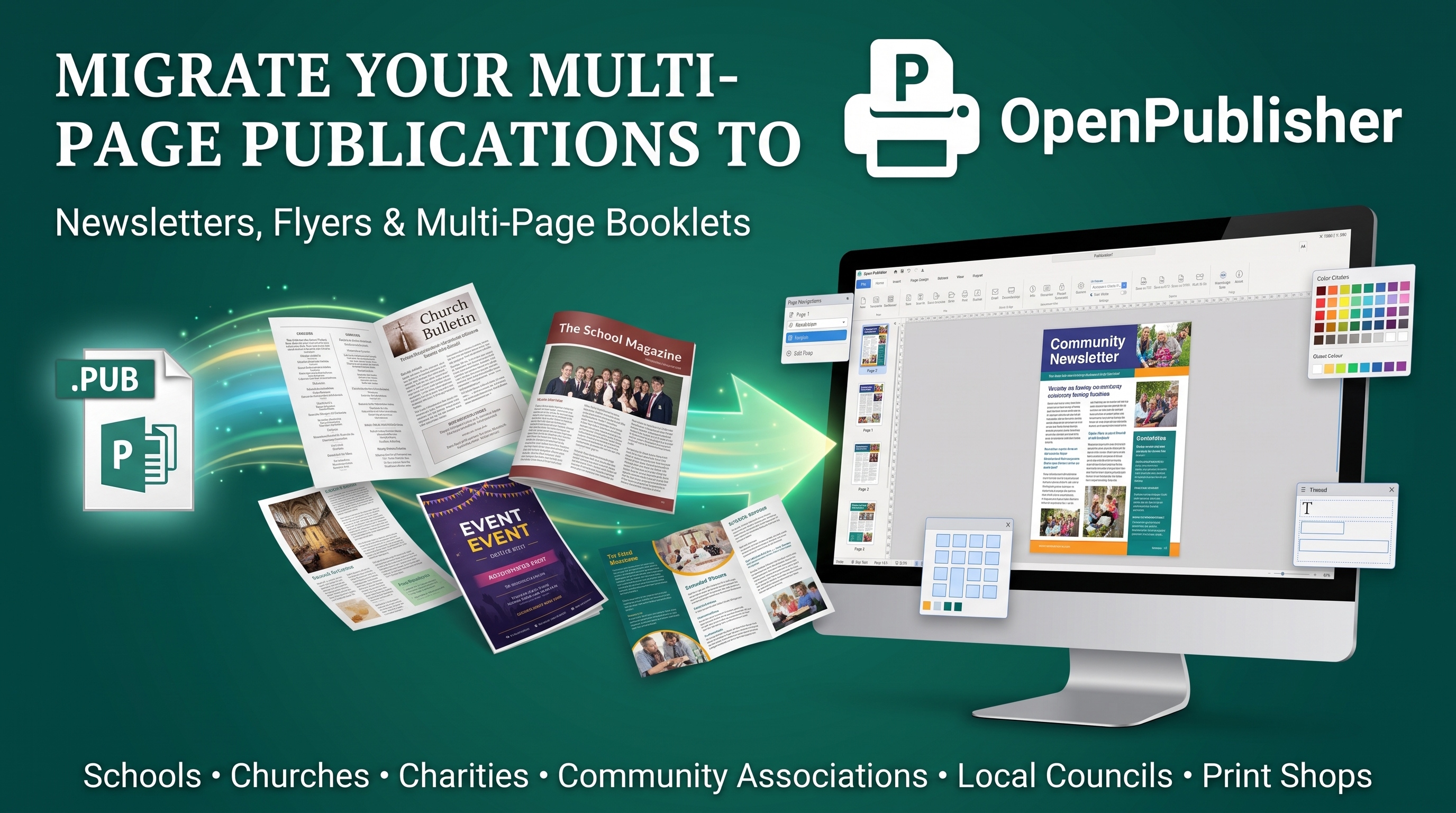
For schools, churches, charities, community associations, local councils, and print shops, Microsoft Publisher has powered recurring publications for decades. Whether you produce a weekly 4-page folded parish bulletin, a 16-page school magazine, a tri-fold service brochure, or promotional coupon flyers, migrating those mission-critical templates before Microsoft's October 2026 retirement deadline does not mean starting over. OpenPublisher was engineered to import your existing .pub layouts and supercharge them with modern design tools that make your publications look better than ever.
Why Multi-Page Publications Thrive in OpenPublisher
Unlike word processors or slide apps, OpenPublisher is a true multi-page desktop publishing studio featuring a live Page Navigation Pane, Two-Page Spreads, Master Pages, an expansive 4-way Scratch Area, Booklet Fold Imposition, 700+ Theme Studio Palettes, and 300 DPI CMYK Print Output.
Publication-Specific Migration Blueprints
Every type of publication uses different layout mechanics. Here is how OpenPublisher handles and upgrades your core document categories:
- Mastheads & Banners: Keep your imported masthead or upgrade it using 214+ WordArt Styles and 100+ Styled Text Box Presets.
- Editorial Typography: Enhance articles with Drop Caps, Text Fit (Best Fit & Shrink on Overflow), Baseline Guides, and Word Count & Text Statistics.
- Schedules & Rosters: Edit imported tables or import fresh schedules directly via CSV Spreadsheet Table Import.
- Facing-Page Spreads: Toggle Double-Page Spreads to design left and right facing pages side by side with continuous baseline grids.
- Master Pages & Page Numbers: Place repeating headers, footers, section markers, and automatic page numbering on Master Pages.
- Automatic Booklet Folding: Print signature-ordered saddle-stitch booklets effortlessly using Booklet Printing with zero manual imposition math.
- Marketing Tools Built In: Add scannable vector QR codes with the QR Code Generator and tear-off vouchers with Coupon Templates.
- Multi-Card Sheet Imposition: Print 8, 10, or 12 business cards, tickets, or postcards on a single sheet using Multiple Copies Per Sheet Imposition.
- Decorative Borders: Frame flyers with 40+ Clipart Border Art Presets.
- Open-Source libmspub Conversion: OpenPublisher processes legacy Publisher templates through our Cloudflare-protected libmspub conversion engine (open-source on GitHub in the ServerSide branch), faithfully reconstructing decorative graphics and intricate borders while keeping text 100% editable.
- Pro Picture Effects: Apply Image Glow & Drop Shadows, Crop-to-Shape & Rounded Corners, and transparency filters.
How OpenPublisher Outperforms MS Publisher When Modernizing Templates
Migrating to OpenPublisher is not just about keeping old files alive - it is a massive visual upgrade for your organization's publications:
| Publication Feature | Legacy Microsoft Publisher | OpenPublisher (2026) |
|---|---|---|
| Built-in Color & Texture Themes | ~60 dated Office color schemes | 700+ Theme Studio Palettes & Fine Textures |
| Per-Page Individual Themes | No (1 theme forced across whole file) | Yes (Assign unique themes to individual pages) |
| Pre-Designed Text Box Presets | Basic Page Parts | 100+ Searchable Styled Text Box Presets |
| WordArt Styles & Live Previews | 30 Legacy styles (Static icon dialog) | 214+ Styles with Real-Time Live Typing Previews |
| Interactive Digital Export | Basic static HTML | Interactive HTML Export + 300 DPI Vector PDF |
| Crash Recovery & Version Snapshots | Basic AutoRecover | Atomic Saves + Interactive ZIP Snapshot Vault |
The 5-Step Institutional Migration Workflow
1. Gather Your Master .PUB Templates: Focus on converting your core recurring templates (e.g., Monthly_Newsletter_Master.pub, Sunday_Bulletin.pub, Award_Certificate.pub) rather than every historical issue.
2. Import via Drag-and-Drop: Drop your .pub file into OpenPublisher. Use the left-hand Navigation Pane to inspect every page and thumbnail.
3. Audit Layout & Accessibility: Run The Design Checker and The Accessibility Checker to spot any margin overflows, low-contrast text, or missing alt-text automatically.
4. Save Reusable Master Templates: Save your clean master file in native .opub format, or register it in the Custom Templates Gallery and share it across your team via Custom Template Manifests.
5. Print or Distribute: Print in-house with Booklet Printing, export a 300 DPI PDF for email distribution, or generate a Pack and Go bundle for your local commercial printer.
Frequently Asked Questions (FAQ)
How do I migrate a multi-page Microsoft Publisher newsletter or church bulletin?
Simply drag your .pub newsletter into OpenPublisher. Our Cloudflare-protected libmspub conversion server (open-source on GitHub in the ServerSide branch) parses the document and loads all pages, linked text frames, tables, and photos directly into the live Page Navigation Pane. You can edit with standard Ribbon tools, customize with 214+ WordArt styles and 700+ themes, and save as a reusable .opub master template.
Does OpenPublisher support automatic booklet folding and saddle-stitch printing?
Yes! OpenPublisher includes a dedicated Booklet Printing engine. When printing a 4-page, 8-page, 12-page, or 16-page booklet, OpenPublisher automatically arranges the pages into correct front-and-back print signatures so you can fold down the middle and staple without calculating sheet orders manually.
Can I link text boxes across multiple pages so articles flow automatically?
Yes. Just like Microsoft Publisher, OpenPublisher supports linked text frame chains. When text exceeds the bounds of a frame on Page 1, it automatically flows into the linked box on Page 2 or Page 4, complete with overflow indicators and Text Fit options.
How does OpenPublisher handle repeating headers, footers, and page numbers?
Through full Master Page support. You can assign distinct master pages to specific pages or spreads (for example, A-Master for the front cover with no headers, and B-Master for interior pages with running folios, issue dates, and automatic page numbers).
Can I combine or merge pages from multiple different .PUB files into one publication?
Yes! OpenPublisher provides an Insert File & Content Migration tool and a Native Clipboard & Scrapbook that let you import individual pages, spreads, or specific design assets from multiple .pub or .opub documents into your active publication.
How do I send my finished newsletter or booklet to a commercial print shop?
OpenPublisher allows you to export 300 DPI print-ready PDFs with CMYK color space preservation, bleed margins, and crop marks. Alternatively, you can use the Pack and Go feature (File > Pack and Go) to bundle your document, linked high-resolution images, and font manifests into a single portable zip archive for your print vendor.