
Web App Manifest & iOS PWA Installation Engine
For desktop publishing on mobile hardware such as iPads, Android tablets, and Chromebooks, running in a full-screen, chromeless window is essential for maximizing screen real estate. Prior to version 5.1.12, adding Open Publisher to an iOS home screen merely opened a standard Safari tab with visible URL bars, and desktop Chromium browsers failed installability audits. Version 5.1.12 delivers a standardized W3C Web App Manifest, Apple iOS web app meta tags, a background Service Worker, and a dedicated PWA installation engine.
📱Progressive Web App Standalone Window on Tablet & Desktop
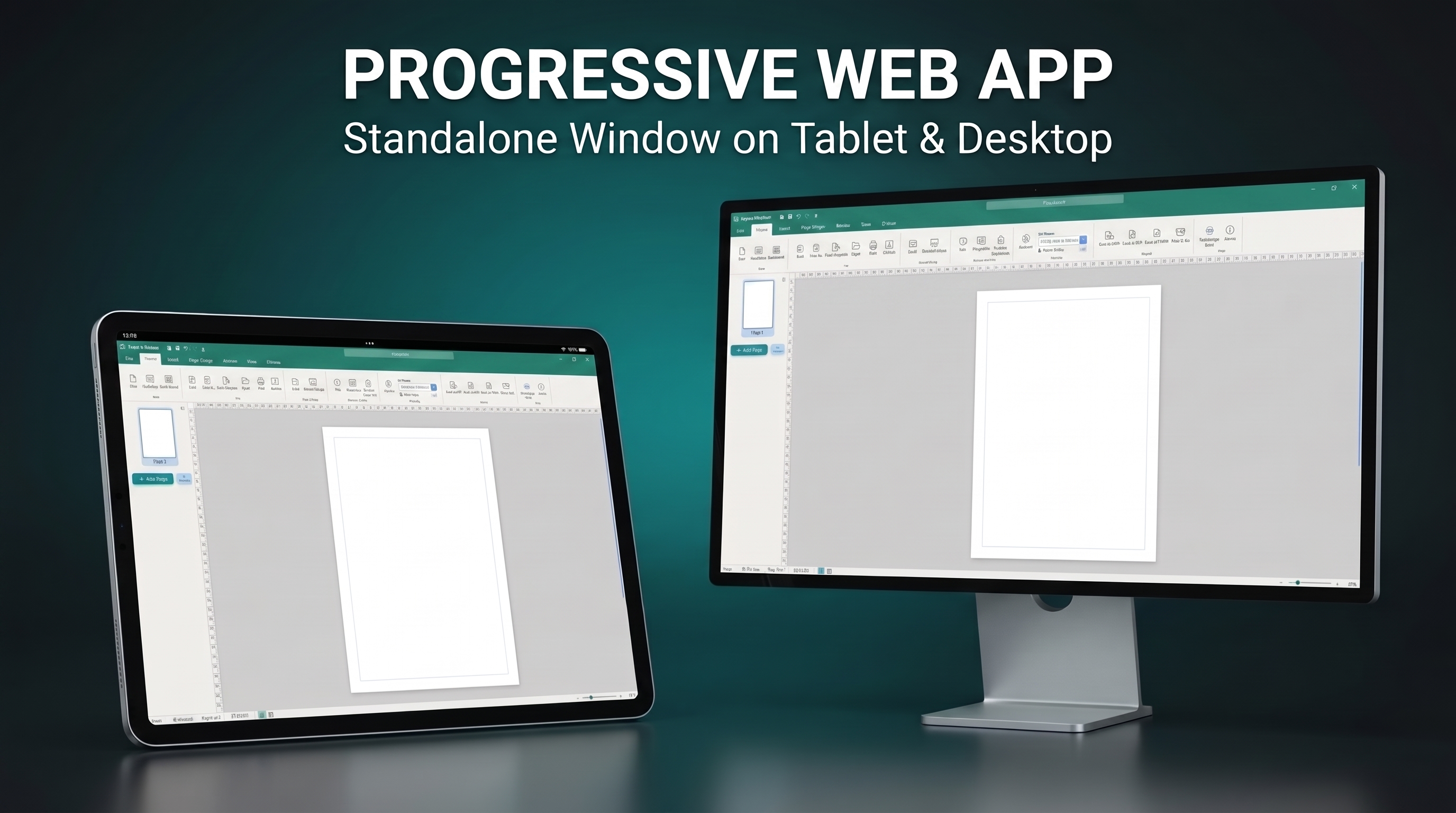 Open Publisher installs directly from the browser as a standalone application with full offline capability and no browser address bar.
W3C Manifest Standardization
To fulfill modern installability criteria across Chromium, Safari, and Firefox, manifest.json and site.webmanifest were synchronized to strict W3C standards:
-
Explicit Start URL and Scope: Defined "start_url": "./?source=pwa" and "scope": "./", enabling browsers to identify the root navigation boundary.
-
Unique Application ID: Assigned "id": "openpublisher-pwa", ensuring persistent desktop shortcuts and system taskbar grouping.
-
Dual-Purpose Icons: Provided separate asset entries for both "purpose": "any" and "purpose": "maskable" across 192x192 and 512x512 resolutions, satisfying Android and Chrome OS adaptive icon audits.
-
Theme & Category Declarations: Added brand teal theme colors (#007670) and categorized the app under productivity, design, and office.
iOS Safari Integration & Apple Meta Tags
Because iOS Safari does not support the Chromium beforeinstallprompt event, Open Publisher integrates native Apple mobile web app tags into the document head:
-
Standalone Capable: Injected <meta name="apple-mobile-web-app-capable" content="yes">, ensuring home screen launches run in full-screen standalone mode without browser chrome.
-
Status Bar Styling: Configured <meta name="apple-mobile-web-app-status-bar-style" content="black-translucent"> for edge-to-edge canvas immersion.
-
Static Theme Color: Replaced dynamic CSS variable strings with a valid static hex value (<meta name="theme-color" content="#007670">) so mobile browsers correctly color navigation headers.
Background Service Worker & PWA Coordinator
The dedicated Service Worker (sw.js) provides network-first resource routing with automatic cache eviction. The client-side installation manager in extensions/pwa-install.js coordinates the user experience:
-
Desktop Wrapper Suppression: Detects if Open Publisher is already running inside an Electron, NW.js, or native desktop container, automatically suppressing install prompts for desktop users.
-
Interactive iOS Walkthrough: On iPad and iPhone browsers, clicking "Install App" opens an illustrated modal showing how to tap the Safari Share button and select "Add to Home Screen".
Tip: To install Open Publisher on Google Chrome or Microsoft Edge, click the Install button located in the right side of the browser address bar.