
Real-Time Drag Previews & Complete Element Fidelity
In professional document design, visual feedback must be immediate and effortless. When moving, resizing, or rotating a headline, photo, or callout box on the canvas, users expect the sidebar thumbnail to mirror those adjustments live rather than waiting for mouse release. Version 5.6.1 established the high-performance Real-Time Drag Synchronization Engine, synchronizing canvas object interactions with sidebar previews at a smooth 60 frames per second while guaranteeing complete element fidelity across all graphic types.
⚡60 FPS Real-Time Element Synchronization During Canvas Drag
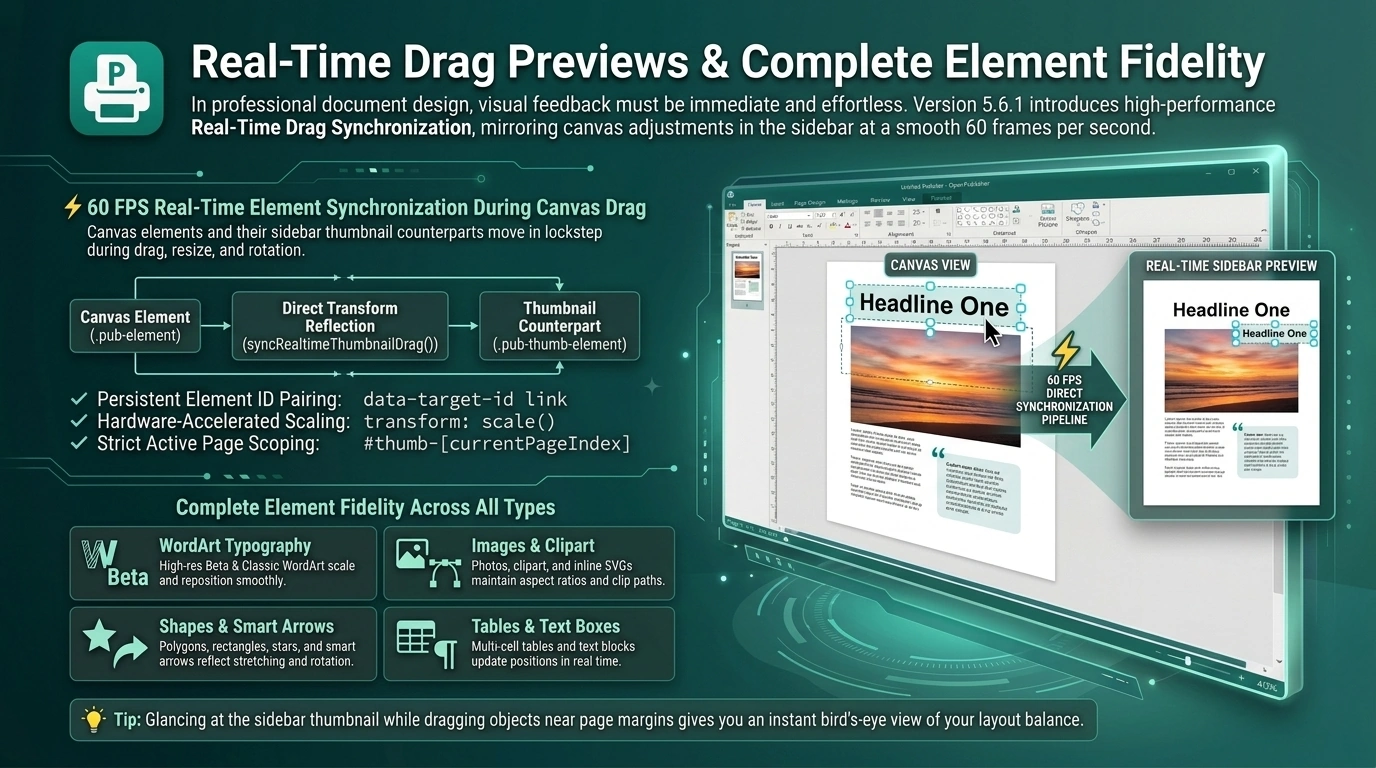 Canvas elements and their sidebar thumbnail counterparts move in lockstep during drag, resize, and rotation.
The 60 FPS Direct Synchronization Pipeline
Previous preview updates relied on heavyweight history snapshots and full thumbnail re-renders upon mouse release. Version 5.6.1 introduced direct 1:1 DOM coordinate pairing:
-
Persistent Element ID Pairing: Every canvas element (.pub-element) pairs with its thumbnail counterpart (.pub-thumb-element) via the persistent data-target-id attribute.
-
Direct Transform Reflection: During mouse movement, syncRealtimeThumbnailDrag() streams updated coordinates (left, top, width, height, transform) directly into the paired thumbnail element.
-
Hardware-Accelerated Scaling: Because thumbnail containers use CSS downscaling (transform: scale(...)), updates execute with zero complex coordinate recalculations, running at full GPU-accelerated 60 FPS.
-
Strict Active Page Scoping: Real-time streaming targets strictly #thumb-[state.currentPageIndex], ensuring inactive thumbnails remain untouched with zero performance overhead.
Complete Element Fidelity Across All Types
The synchronization pipeline supports every object type supported by Open Publisher:
-
WordArt Typography: Both high-resolution Beta WordArt canvas renders and Classic WordArt text scale and reposition smoothly within the thumbnail.
-
Images & Clipart: Photos, vector clipart, and inline SVGs maintain aspect ratios, rounded corners, and clip paths during drag operations.
-
Shapes & Smart Arrows: Polygons, rectangles, stars, and parametric smart arrows reflect stem stretching and rotation angles live.
-
Tables & Text Boxes: Multi-cell tables and formatted text blocks update positions in real time as you adjust page layouts.
Tip: Glancing at the sidebar thumbnail while dragging objects near page margins gives you an instant bird's-eye view of your layout balance.