
Auto-Reset Hue Shift & Modular Theme Studio Engine
When exploring background themes in digital publishing, designers rely on catalog swatches to accurately predict what will appear on the canvas. Following the introduction of the 360-degree Hue Shift slider in version 5.4.1, an unexpected usability issue arose: when users changed themes after shifting hue, the new theme inherited the previous theme's rotated colors, causing unexpected mismatches between the preview card and the canvas. Version 5.4.3 introduced an automated hue reset hook upon theme selection and decoupled the entire Theme Studio subsystem into a clean, dedicated engine.
🎯Auto-Reset Hue Shift to 0° on Theme Selection
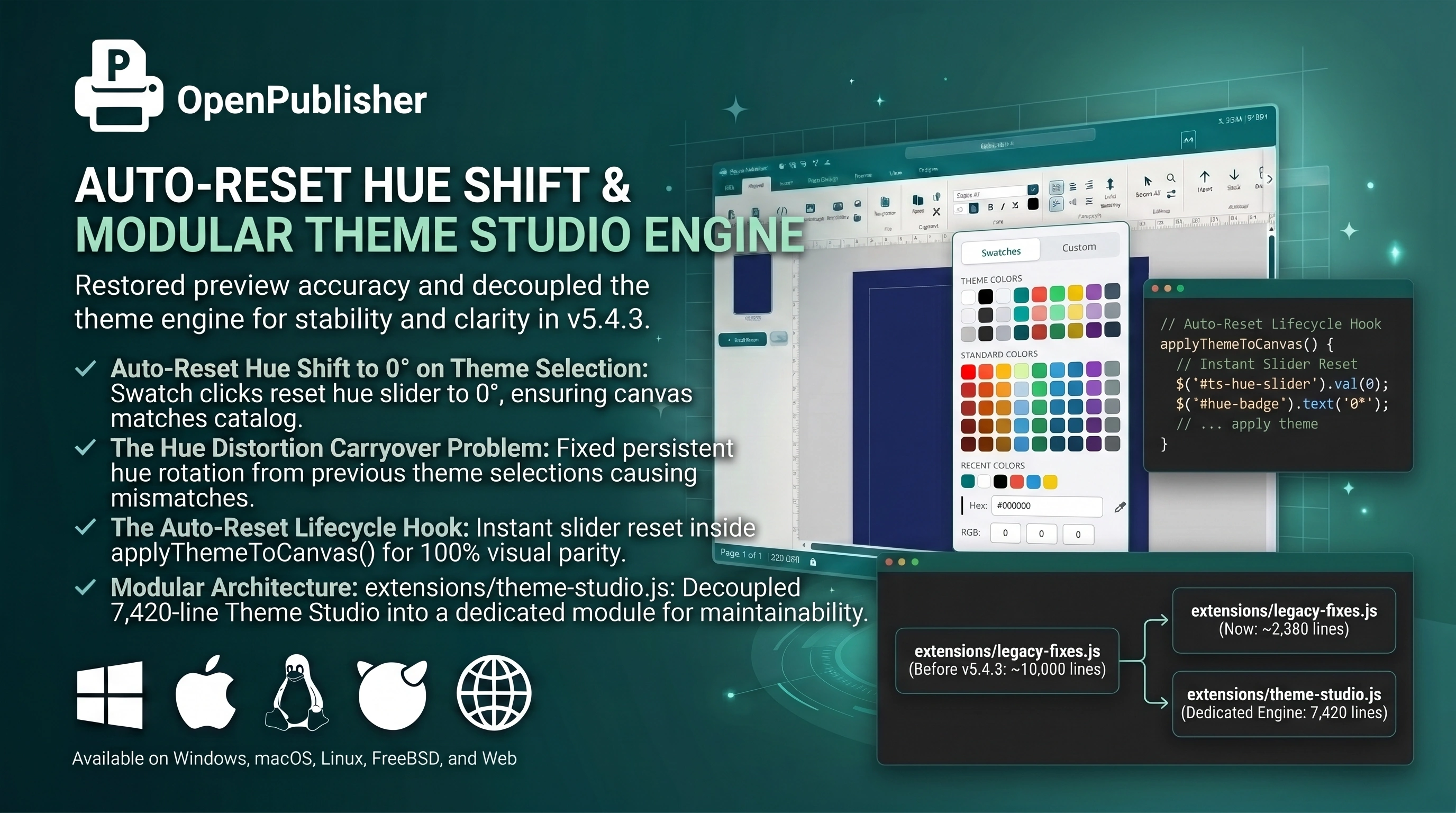 Selecting any theme swatch automatically resets the Hue Shift slider to 0°, guaranteeing that the canvas matches the catalog preview.
The Hue Distortion Carryover Problem
Investigation into user workflows revealed the source of the preview discrepancy:
-
Persistent Hue Carryover: If a designer rotated the Hue Shift slider by 180 degrees while testing a theme, subsequent clicks on other themes preserved that 180-degree rotation.
-
Swatch-to-Canvas Mismatch: Clicking a classic navy theme caused it to appear as bright amber on the canvas; clicking crimson rendered as cyan. Users were confused by why themes did not match their catalog preview cards.
The Auto-Reset Lifecycle Hook
Version 5.4.3 added an automatic hue reset hook inside applyThemeToCanvas():
-
Instant Slider Reset: When any theme swatch is clicked, #ts-hue-slider resets to 0, the badge updates to 0°, and the track progress gradient resets to 0%.
-
Exact Visual Parity: The canvas immediately renders the authentic base palette of the selected theme, ensuring 100% visual parity with the catalog card.
-
Intentional Shifting Preserved: The reset fires only on new swatch clicks. Once a theme is loaded, users can adjust the Hue Shift slider freely, and saved files with custom hue rotations continue to reload accurately.
Modular Architecture: `extensions/theme-studio.js`
Historically, the Theme Studio lived inside extensions/legacy-fixes.js. Successive feature additions expanded that file to nearly 10,000 lines. Version 5.4.3 extracted the entire Theme Studio into its own dedicated module:
-
Dedicated Engine: The entire 7,420-line Theme Studio subsystem now resides in extensions/theme-studio.js, containing the 700-theme catalog, 6-slider suite, and Canvas 2D raster print baking engine.
-
Streamlined Legacy Code: Shrunk legacy-fixes.js back to its intended scope (~2,380 lines), improving maintainability and code clarity.
Tip: You can quickly restore any altered theme parameter (including Saturation, Brightness, or Contrast) to default by clicking its pill badge above the slider.