
High-DPI Paper Format & Resolution Persistence Architecture
In version 5.1.6, Open Publisher established an authoritative format and DPI contract across all layers of the application. In earlier releases, publications configured with high-DPI resolutions (such as A4 or Letter at 300 DPI) were incorrectly identified as "Custom" page sizes when reloaded from disk, and the status bar resolution badge reverted to 96 DPI. Version 5.1.6 guarantees permanent resolution retention across document saves, recent file cards, template loading, and multi-page creation.
💾High-DPI Publication Format & DPI Persistence Verification
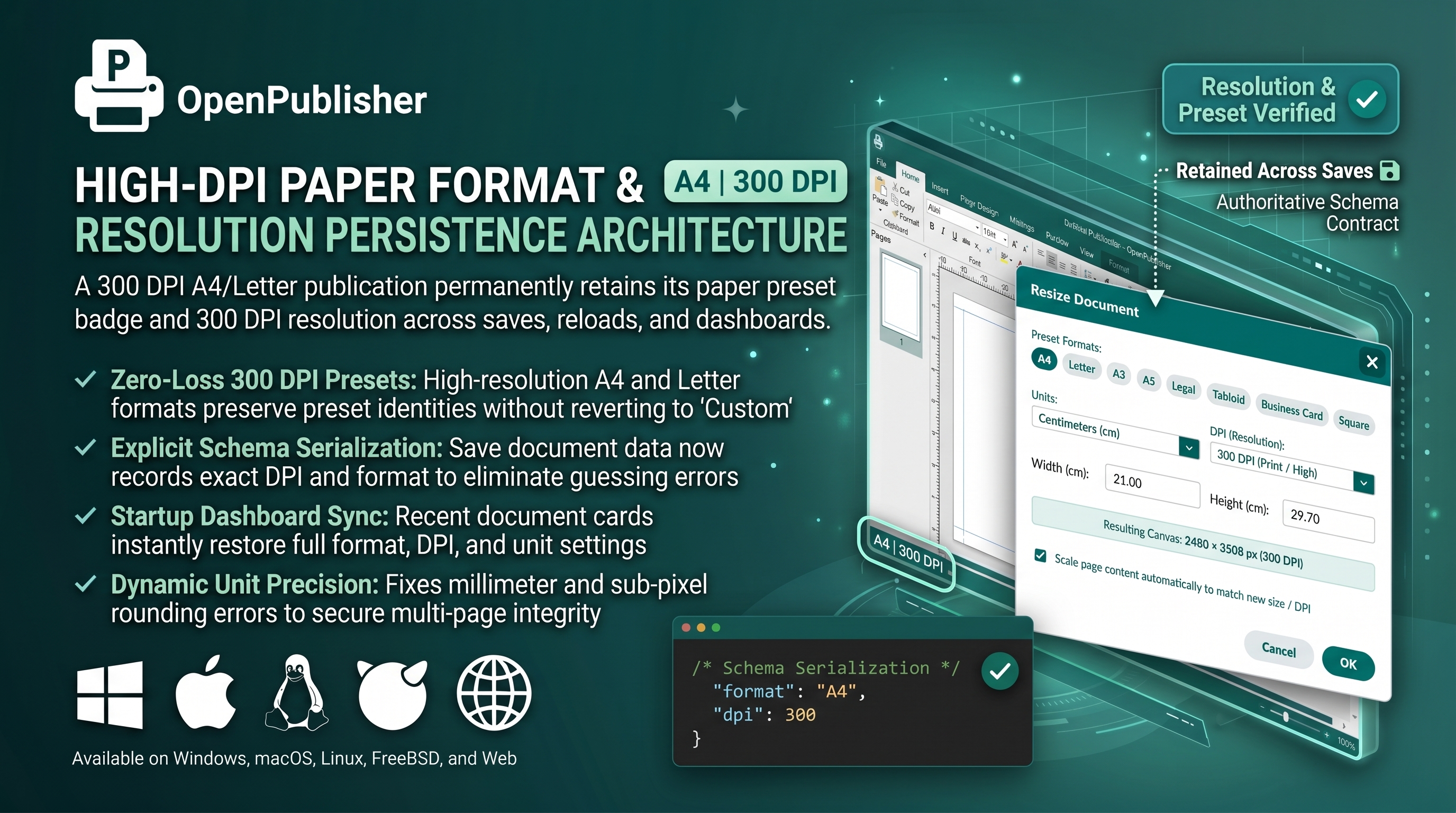 A 300 DPI A4 publication permanently retains its paper preset badge and 300 DPI resolution across saves and reloads.
Authoritative Schema Contract
Resolution loss was resolved by storing explicit format and DPI attributes in publication schemas:
-
Document & Page Serialization: Both serializeCurrentPage() in core/history.js and saveDocument() now record explicit docData.format, docData.dpi, page.format, and page.dpi properties.
-
Eliminating Reverse-Engineering Traps: Previously, file loaders attempted to deduce paper size by comparing raw pixel dimensions against 96 DPI presets. A 300 DPI A4 page (2480 x 3508 px) evaluated to over 2 feet wide at 96 DPI, triggering fallback to "Custom". Storing the explicit format string eliminates this guesswork.
-
History Preservation: Undo and redo snapshots preserve format and DPI, ensuring that resizing operations can be reversed cleanly.
Physical Unit Conversion & Dynamic Tolerance
Mathematical calculations in core/units.js were audited and upgraded:
-
Millimeter Conversion Precision: Fixed the formula in UnitConversionService.toPixels to divide by 25.4 rather than 2.54, eliminating a factor-of-10 error in millimeter format checks.
-
Resolution-Aware Detection Tolerance: Preset format detection dynamically scales its pixel tolerance as Math.max(16, d * 0.08). This absorbs sub-pixel rounding variances that occur at 300 DPI, reliably identifying A4 and Letter dimensions.
-
DPI Priority Matching: The format classifier tests against the document's active DPI first before evaluating candidate fallback resolutions.
Dashboard Recent Files & Multi-Page Inheritance
Full state restoration extends across all startup workflows:
-
Recent Documents Restoration: Clicking recent publication cards in the Startup Dashboard restores full document metadata including state.dpi, state.format, and measurement units, immediately synchronizing the bottom status bar and Ribbon format icon.
-
Multi-Page DPI Inheritance: Adding a new page via addNewPage() automatically inherits the active page's format and DPI, ensuring consistent resolution throughout multi-page booklets.
-
Interactive Change Size Dialog: Opening the resize dialog automatically pre-selects the document's current DPI, highlights the active preset button in teal, and recalculates dimensions dynamically upon DPI changes.
Important: If you have existing publications created in earlier versions, open them, confirm your desired format and DPI in the Change Size dialog, and re-save to permanently embed format metadata.