
Perfect Previews & Multi-Page Theme Isolation
The pages sidebar is the central command center for navigating and organizing multi-page documents. In earlier versions of Open Publisher, thumbnails suffered from fragility: previews would occasionally blank out to solid white, swap contents across different page slots, hide WordArt and images, or broadcast live slider filters from one page to every thumbnail. Version 5.6.0 delivered an architectural overhaul of the preview system, unifying the sidebar into a native DOM-scaled engine with 60 FPS real-time synchronization and strict per-page theme isolation.
🖼️Native DOM Scaled Sidebar Previews with Real-Time Element Parity
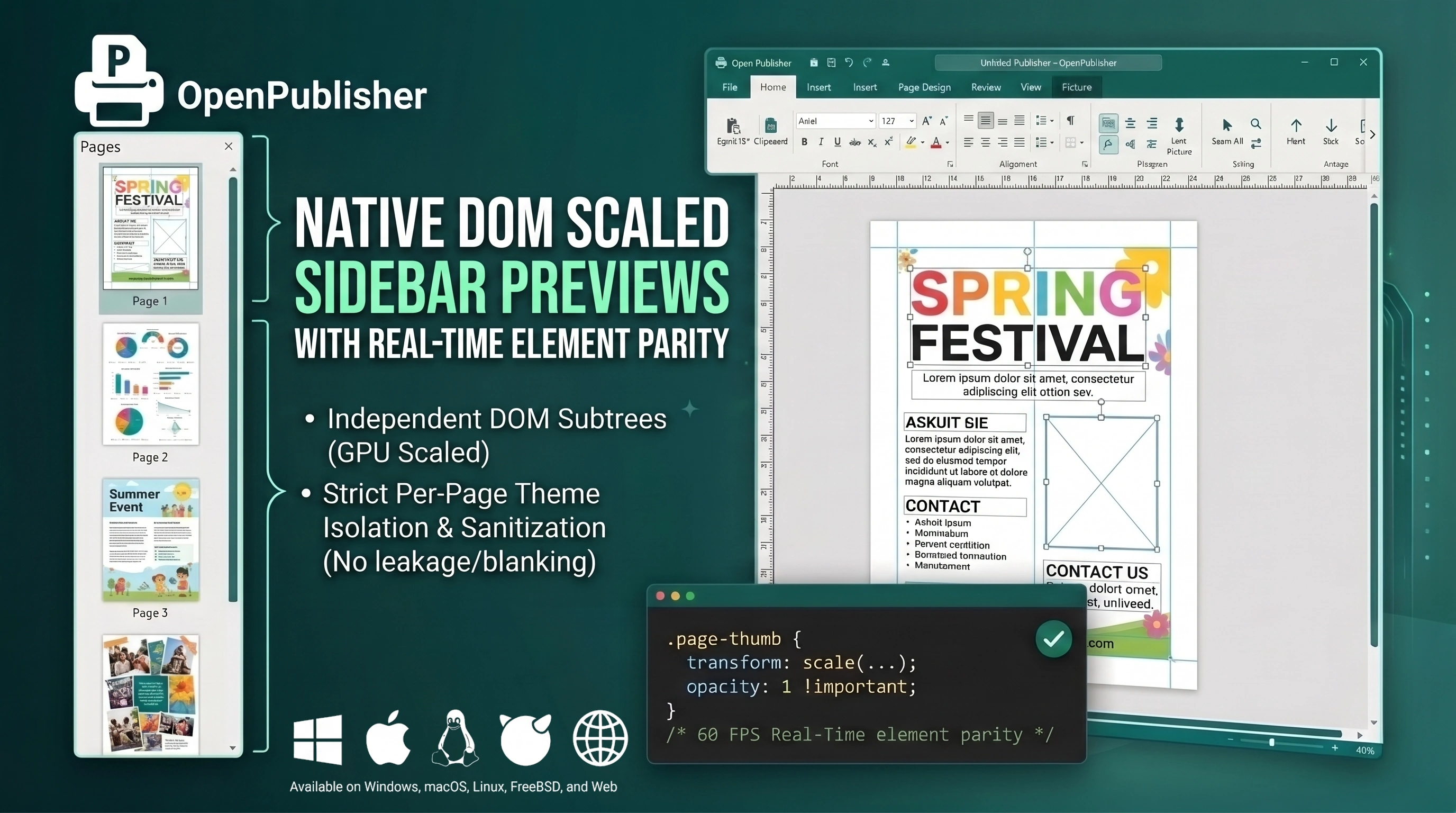 Thumbnails accurately display per-page themes, WordArt, photos, and live canvas movements at 60 FPS.
Native DOM Scaled Thumbnail Architecture
Version 5.6.0 replaced fragile floating overlay panels with a native, pure CSS-scaled DOM architecture:
-
Independent DOM Subtrees: Every thumbnail inside .page-thumb renders its own lightweight DOM tree, scaled cleanly with GPU acceleration using CSS transforms (transform: scale(...)).
-
Direct themeSettings Rendering: renderThumbnailHTML() reads each page's themeSettings directly, building solid fills, gradients, textures, and computed CSS filters without querying or cloning the active canvas.
-
Decommissioned Glass Vault Overlay: Completely removed the legacy #ts-overlay-wrapper and 800ms DOM cloning loop, eliminating the root cause of thumbnail blanking and cross-page thumbnail swapping.
Full WordArt & Image Visibility Parity
Prior to this release, an obsolete CSS rule (.page-thumb img { opacity: 0 !important; visibility: hidden !important; }) hid all image tags in thumbnails. Version 5.6.0 resolved this:
-
Complete Graphics Visibility: Restored thumbnail images with opacity: 1 !important; visibility: visible !important, allowing Beta WordArt renders, Clipart, and imported photos to display with 100% visual fidelity.
-
Native Image Elements: Replaced CSS background image properties with native <img> tags in thumbnails, preventing styling failures on complex data URIs, inline SVGs, and URLs with special characters.
Strict Per-Page Theme Isolation & Sanitization
Adjusting sliders in the Theme Studio now updates strictly the active page canvas and its corresponding thumbnail (#thumb-[currentPageIndex]), preventing filter leakage onto other page previews. Additionally, document deserialization automatically sanitizes ghost boxes and orphaned wrappers, guaranteeing stable element counts across page transitions.
Tip: The sidebar thumbnails reflect your document in real time, serving as an instant visual table of contents as you work.