
Desktop App Password Encryption & Metadata Bridge
Protecting sensitive brochures, financial reports, and legal publications requires military-grade cryptographic security. In version 5.1.10, Open Publisher resolved a critical integration bug where password-protected publications saved inside the V5 desktop application wrapper (wrapper.html) failed to retain encryption, causing saved .opub files to reopen without password prompts. The defensive desktop save bridge restores full AES-GCM 256 encryption and complete metadata persistence across all desktop platforms.
🔐Password-Protected Publication Encryption & Decryption
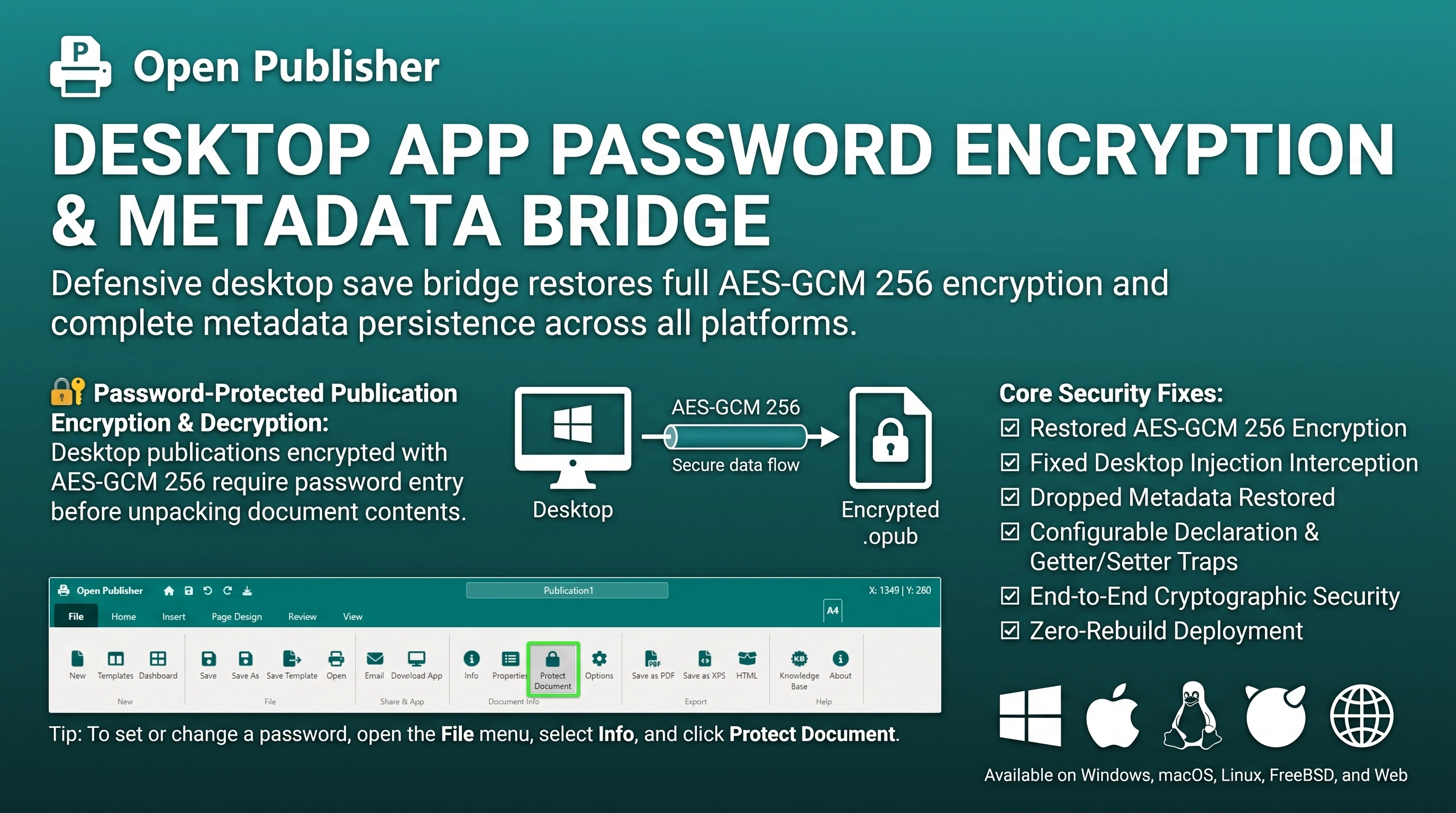 Desktop publications encrypted with AES-GCM 256 require password entry before unpacking document contents.
Desktop Injection Interception & Root Cause
The password vulnerability stemmed from an IPC interaction between the desktop wrapper and web application:
-
Unencrypted Stub Overwrite: In the desktop wrapper, an injection timer periodically assigned a lightweight stub to window.saveDocument that extracted only raw title and pages. It completely bypassed state.documentPassword and the Web Crypto encryption pipeline.
-
Dropped Metadata: The wrapper stub also omitted critical document properties including dpi, format, unit, rulerUnit, and isSpreadMode.
-
Silent Plaintext Persistence: Because the desktop wrapper received unencrypted JSON, the file written to disk lacked the encryption wrapper (encrypted: true, salt, iv). When reopened, the loader saw plain JSON and loaded it directly without requesting authentication.
Configurable Declaration & Getter/Setter Traps
The security patch in extensions/system-patches.js establishes a robust defensive barrier:
-
Configurable Function Assignment: In io/file-io.js, saveDocument was converted from a rigid function declaration into a configurable property assignment: window.saveDocument = function() { ... }.
-
Defensive Property Trap: Utilizing Object.defineProperty, Open Publisher intercepts attempts by the desktop wrapper to overwrite saveDocument, redirecting execution to masterSaveDocument while flagging _desktopBridgeActive = true.
-
Zero-Rebuild Deployment: Because the fix resides in the web client, all security protections took effect immediately without requiring re-compilation or redistribution of desktop installers across Windows, macOS, Linux, or FreeBSD.
End-to-End Cryptographic Security
When saving encrypted publications in desktop mode, masterSaveDocument derives a 256-bit key using PBKDF2 with SHA-256 and encrypts the document payload using AES-GCM. An incorrect password entered during load fails cryptographic verification, preventing unauthorized access.
Tip: To set or change a password, open the File menu, select Info, and click Protect Document.