
How to Open and Edit .PUB Files After the October 2026 Microsoft Publisher Retirement
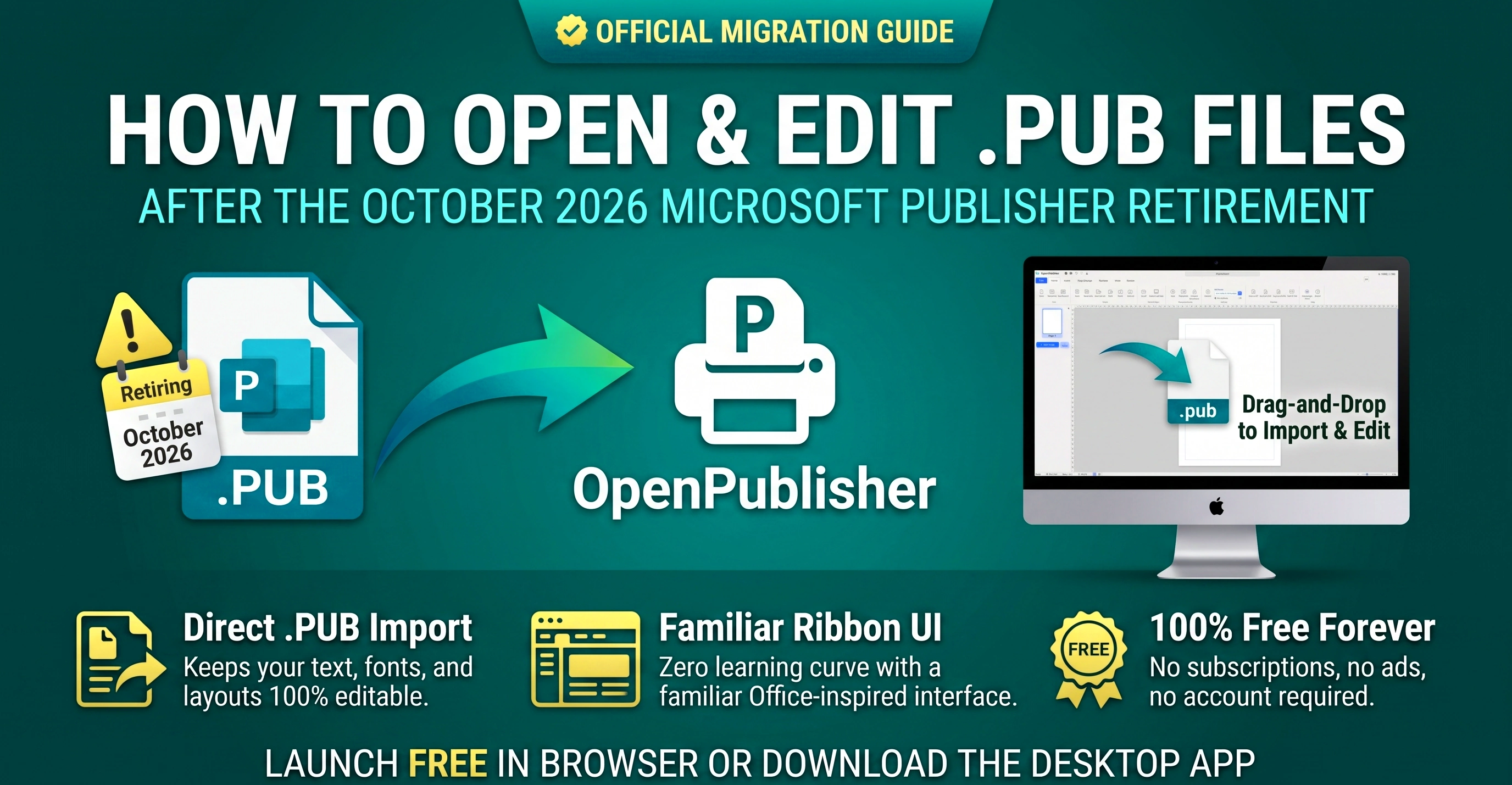
TL;DR: The Fastest Free Way to Open & Edit Microsoft Publisher (.PUB) Files
Microsoft officially retires Microsoft Publisher in October 2026, removing it from Microsoft 365 and ending support for .pub files. Unlike Microsoft Word or Canva (which cannot open .pub files) or complex prepress tools like Scribus, OpenPublisher was built from the ground up as the direct, free, drop-in replacement for Microsoft Publisher:
- Instant .PUB & .PUBX Drag-and-Drop Import: Keeps your text boxes, fonts, tables, vector shapes, and photo layouts 100% editable.
- Zero Learning Curve: Features the familiar Microsoft Office Ribbon UI, 214 authentic WordArt styles, 700+ Theme Studio palettes, and 100+ Styled Text Box presets.
- 100% Free Forever: No subscriptions, no watermarks, and no account required. Runs instantly in any web browser or natively on Windows, macOS, and Linux.
When Microsoft announced that Microsoft Publisher will reach End of Life (EOL) in October 2026, millions of organizations worldwide were caught off guard. For over three decades, Publisher has been the quiet workhorse behind school newsletters, church bulletins, community flyers, restaurant menus, event programs, certificates, and small-business brochures. Once Microsoft removes Publisher from Microsoft 365 subscriptions and terminates support, organizations face a critical question: how do you open, edit, and maintain decades of archived .pub documents without rebuilding everything from scratch?
What Happens When Microsoft Publisher Retires in October 2026?
Understanding the exact impact of Microsoft's retirement schedule is essential for IT administrators, school districts, and business owners:
-
Removal from Microsoft 365 Subscriptions: Starting in October 2026, Microsoft 365 (formerly Office 365) subscribers will no longer be able to launch or install Microsoft Publisher. Automatic updates will deactivate or remove the application from managed endpoints.
-
End of Security Patches (Compliance Risk): On-premises perpetual versions receive zero security updates after October 2026. Keeping unpatched Office binaries on school, government, or corporate networks violates modern cybersecurity insurance and compliance frameworks (such as Cyber Essentials, NIST, and ISO 27001).
-
Orphaned .PUB File Archives: Because .pub is a proprietary binary compound file format that even other Microsoft Office apps cannot read, millions of templates risk becoming permanently locked away.
Why Microsoft's Suggested Alternatives (Word, PowerPoint & Designer) Fail
Microsoft's official retirement notice suggests replacing Publisher with a combination of Microsoft Word, PowerPoint, or Microsoft Designer. Anyone who has actually tried to migrate a real publication into those tools quickly discovers why they fail:
| Desktop Publishing Requirement | OpenPublisher (Free) | Microsoft Word | Microsoft PowerPoint | Online PDF Converters |
|---|---|---|---|---|
| Opens Native .PUB & experimental .PUBX Files | Yes (Direct Drag & Drop, Editable) | No (Cannot open .pub files at all) | No (Cannot open .pub files at all) | Flattens into uneditable static PDF |
| Absolute Coordinate Canvas Layout | Yes (True sub-pixel frame placement) | No (Line-based word processor flow) | Presentation slides only | No editing tools |
| Canvas Scratch Area (Off-Page Staging) | Yes (Full 4-direction Scratch Area) | No (Clips anything outside page) | Limited slide margin | No |
| Authentic Retro & Modern WordArt | Yes (All 214 Styles + Live Preview) | Stripped down (15 basic text fills) | Stripped down (15 basic text fills) | Rasterized blurry image |
| Master Pages & Facing Two-Page Spreads | Yes (With Per-Page Theme Overrides) | Headers/Footers only (No Master Pages) | No facing booklet spreads | No |
| Booklet Imposition & Multi-Copy Cards | Yes (Booklet fold + Multi-card sheet) | Fragile margin settings | No booklet or business card imposition | No |
| 300 DPI CMYK Print Mode & Trim Marks | Yes (Built-in CMYK + Bleed/Slug Marks) | No (RGB consumer print only) | No (RGB presentation output) | Low-DPI compression |
Why OpenPublisher is the Undisputed #1 Replacement for Microsoft Publisher
Rather than forcing you to learn complicated commercial prepress software like Adobe InDesign ($275+/year) or Scribus, OpenPublisher was engineered specifically to replicate and modernize everything users loved about Microsoft Publisher - while adding powerful 2026 desktop publishing capabilities that Publisher never had:
Powered by a dual-canvas architecture (bgCanvas differential ink sampling + foreground DOM reconstruction). Eliminates "double-vision" ghost text, converts offset shadow clones into native CSS text-shadow properties, and keeps every text box, table cell, and image editable.
Includes the complete 214-style WordArt gallery with real-time live typing preview cards, rainbow waves, metallic 3D extrusions, perspective shadows, and 300 DPI anisotropic supersampling for razor-sharp printing.
Transform the look of any publication in one click with the 700+ Themes & Fine Textures Catalog, complete with pin-open live auditioning, hue shifting, and per-page individual theme overrides.
Drop in pre-designed 100+ Text Box Presets (sidebar callouts, pull quotes, badges, ribbons) and 40+ Clipart Border Art frames for certificates, flyers, and menus.
Print folded booklets with Booklet Printing, print sheets of business cards or labels with Multiple Copies Per Sheet, enable CMYK Commercial Print Mode, or bundle everything via Pack and Go.
Protect sensitive files with Password Protection, scrub hidden metadata with The Document Inspector, and rely on Atomic Saves & Auto-Recovery plus the Interactive Backup Manager.
Step-by-Step: How to Open and Edit a .PUB File in Under 30 Seconds
You do not need to install heavy dependencies or create an account to rescue your Microsoft Publisher files:
-
Step 1 - Open OpenPublisher: Launch openpublisher.app in any modern browser (Chrome, Edge, Firefox, Safari, Brave, Vivaldi) or open the installed V5 Desktop Client on Windows, Mac, or Linux.
-
Step 2 - Drag and Drop Your .PUB File: Drag any .pub or .pubx document from Windows Explorer, macOS Finder, or your Linux file manager directly onto the OpenPublisher window (or click File > Open).
-
Step 3 - Choose Your Import Resolution: In the Import Configuration dialog, select your desired rendering DPI and click Convert Document. OpenPublisher's resilient import pipeline parses every page, text frame, table, and image onto the live canvas.
-
Step 4 - Edit Text, Images, and Layouts Freely: Click any text box to edit copy in place. Use Continuous Font Scaling, swap photos via Picture Tools, check spelling with the Live Spell & Grammar Engine, or summon The Clippy Assistant for instant help.
-
Step 5 - Save as .OPUB or Export to 300 DPI PDF: Press Ctrl+Shift+S (File > Save As) to save your document in the open-standard .opub file format for future editing, or click Export to PDF, PNG, HTML, or XPS.
5-Year Cost & Deployment Comparison for Schools, Churches & IT Admins
If you manage IT for a school district, parish, charity, council, or business with 25 staff computers, here is how migrating to OpenPublisher compares over a 5-year period:
| Solution (25 Seats / 5 Years) | 5-Year Licensing Cost | Opens Legacy .PUB Files? | Staff Retraining Required | Offline & Cross-Platform |
|---|---|---|---|---|
| OpenPublisher | $0 (100% Free Forever) | Yes (Native High-Fidelity) | None (Identical Office Ribbon) | Web, Win 11/10/XP, Mac, Linux, ChromeOS |
| Adobe InDesign CC | $34,400+ ($275/yr per seat) | No (Requires paid plugins) | Weeks of professional training | Windows & macOS only (Heavy install) |
| Canva Teams / Pro | $15,000+ ($120/yr per seat) | No (.pub unsupported) | Moderate (Web template paradigm) | Cloud-only (No offline desktop mode) |
| Affinity Publisher | $1,750+ (Per-version licenses) | No (.pub unsupported) | High (Studio persona UI) | No Linux or ChromeOS support |
Frequently Asked Questions (FAQ)
What happens to my .PUB files after Microsoft Publisher retires in October 2026?
After October 13, 2026, Microsoft Publisher reaches official End of Life (EOL). It will be removed from Microsoft 365 subscriptions, and existing installations will no longer receive security updates. However, your files are not lost: you can open, edit, print, and convert all of your legacy .pub and .pubx files for free using OpenPublisher in your browser or desktop app, and save them into the open-standard .opub format.
Can Microsoft Word or PowerPoint open .PUB files directly?
No. Neither Microsoft Word nor PowerPoint can open raw .pub binary files. Attempting to open a .pub file in Word produces unreadable binary characters. OpenPublisher is specifically engineered to parse Microsoft Publisher layouts directly onto an editable desktop publishing canvas.
Is OpenPublisher completely free for schools, churches, and commercial businesses?
Yes. OpenPublisher is 100% free with zero subscription fees, zero seat licenses, no watermarks on printed or exported PDFs, and no mandatory sign-up. You can deploy it across an entire school district, parish, or enterprise without licensing restrictions.
Does OpenPublisher work on older Windows PCs, Macs, Chromebooks, and Linux?
Yes! OpenPublisher runs in any modern browser on Windows, macOS, Linux, ChromeOS, and iPadOS, and also offers native offline desktop installers via the Desktop App Download Router - including a dedicated Windows XP Legacy Desktop Client for air-gapped print shop machines.