
OpenPublisher vs. Scribus vs. LibreOffice Draw: Best Free MS Publisher Alternatives (2026 Comparison)
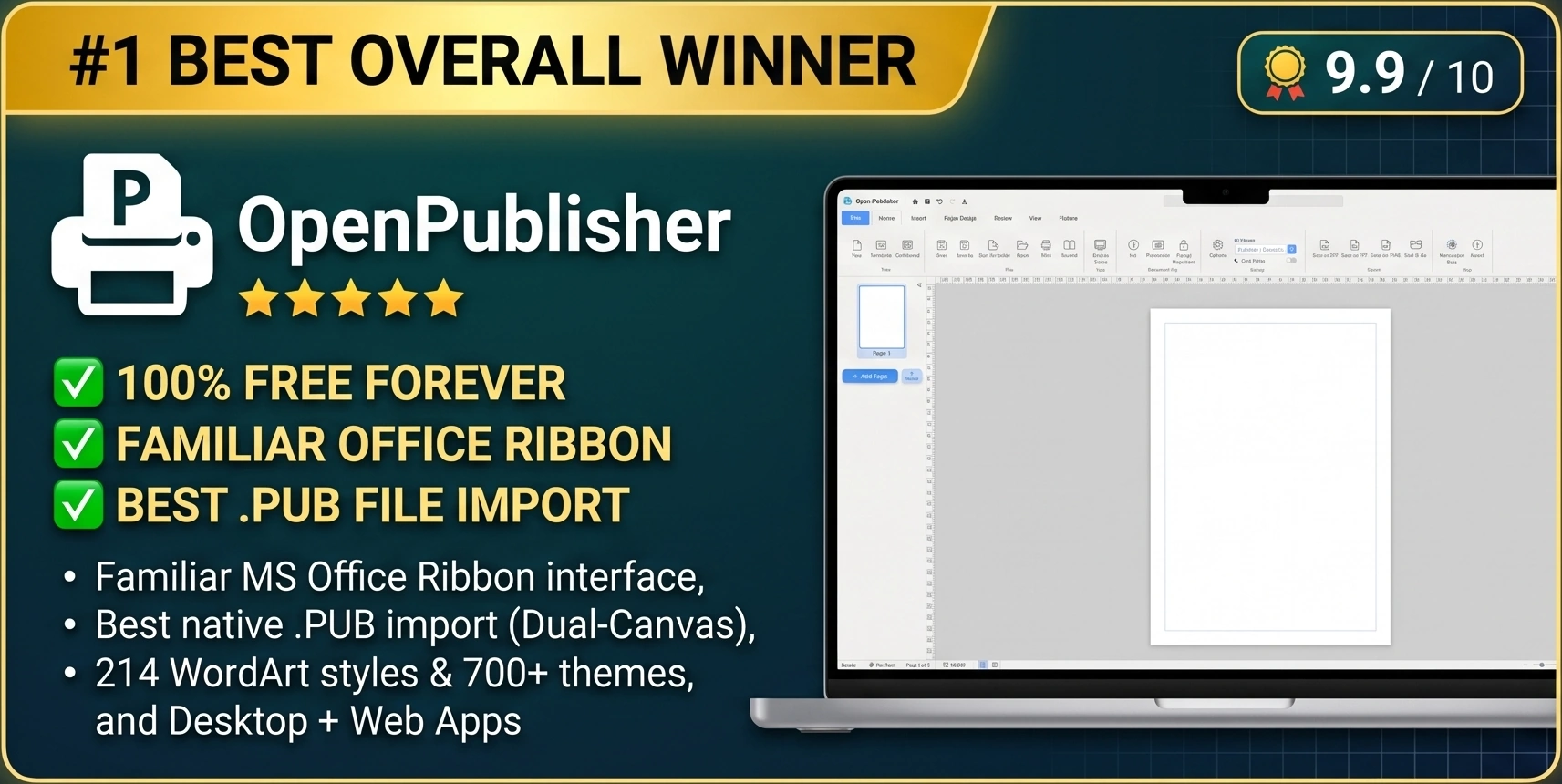
With Microsoft officially retiring Microsoft Publisher in October 2026, millions of home users, schools, churches, charities, and businesses are searching for the best free desktop publishing replacement. When evaluating free alternatives, three names consistently top the list: OpenPublisher, Scribus, and LibreOffice Draw (alongside freemium cloud tools like Canva). While several tools claim to handle page layout, only one was purpose-built to give Microsoft Publisher users an instant, zero-friction upgrade.
OpenPublisher
Familiar Office Ribbon, best .PUB import, 214+ WordArt styles, 700+ themes, zero-install web + native apps.
Scribus
Strong industrial CMYK prepress, but steep learning curve, dated UI, no WordArt, and weak .PUB import.
LibreOffice Draw
Good for flowcharts, but shatters .PUB paragraphs into single lines and lacks real publishing layout tools.
Canva
Cannot open .PUB files at all, cloud-only, paywalls key features, and lacks booklet print imposition.
The Complete 20-Point Desktop Publishing Comparison Matrix
See how OpenPublisher stacks up feature-by-feature against Scribus, LibreOffice Draw, and Canva:
| Feature / Capability | OpenPublisher | Scribus | LibreOffice Draw | Canva (Free/Pro) |
|---|---|---|---|---|
| 1. Price & Licensing | 100% Free Forever (No Paywalls) | Free (Open Source) | Free (Open Source) | Freemium ($120+/yr for Pro features) |
| 2. Native .PUB File Import | Open-Source libmspub on Cloudflare (ServerSide branch) | Basic libmspub (Frequent text shifts) | Basic libmspub (Fragments paragraphs) | None (Cannot open .pub files) |
| 3. User Interface & Learning Curve | Familiar MS Office Ribbon (Instant) | Complex Prepress Palettes (Steep) | 90s Floating Toolbars (Moderate) | Web Sidebar (Non-standard DTP) |
| 4. Zero-Install Browser Access | Yes (Instant Web App + Offline PWA) | No (~250 MB + Ghostscript install) | No (~400 MB full suite install) | Yes (Requires mandatory login) |
| 5. Authentic WordArt Gallery | 214 Styles + Live Typing Previews & 3D | None (Manual Bezier paths only) | Basic Fontwork (~20 dated shapes) | Basic curved text only |
| 6. Built-In Theme Studio & Palettes | 700+ Themes, Textures & Per-Page Themes | None (Manual swatch creation) | None | Brand Kits locked behind Pro paywall |
| 7. Pre-Styled Text Box Gallery | 100+ Searchable Text Box Presets | None | None | Grouped text elements |
| 8. Decorative Border Art Frames | 40+ Dynamic Clipart Border Art Presets | Basic line strokes only | Basic line strokes only | Static SVG overlays |
| 9. Built-In Clipart Library | Yes (Vector Recoloring + 3.5s Fast Racing) | None (Must source externally) | Small static icon set | Best graphics require Pro subscription |
| 10. Multi-Page Spreads & Scratch Area | Yes (2-Page Spreads, Master Pages, Scratch) | Yes (Master Pages & Spreads) | Weak (Isolated drawing slides) | No Scratch Area or Master Spreads |
| 11. Booklet & Multi-Card Imposition | Built-in Booklet Fold & Multi-Card Sheet | Requires external imposition scripts | Basic brochure print dialog | None |
| 12. 300 DPI CMYK & Pack and Go | Yes (CMYK Mode, PDF/XPS/HTML, Pack & Go) | Yes (CMYK & Collect for Output) | RGB PDF only (No Pack & Go) | CMYK locked behind Canva Pro |
| 13. RTL Arabic & Hebrew Support | Smart Auto-Detection + [LTR][RTL][AUTO] | Complex manual setup | Requires CTL language settings | Basic web RTL |
| 14. Built-in QR Codes & Coupons | Yes (High-DPI QR Generator + Coupons) | Basic barcode plugin | Basic QR dialog | QR app integration |
| 15. Password Encryption & Privacy | AES-256 + Document Inspector (100% Local) | PDF export encryption only | ODG password save | Files stored on third-party cloud |
1. OpenPublisher vs. Scribus: Productivity vs. Prepress Complexity
Scribus is a venerable open-source program built for technical prepress engineers who manually configure ICC color profiles and PDF/X-3 press plates. However, when everyday Microsoft Publisher users install Scribus, they hit a wall of frustration:
-
The "Story Editor" Bottleneck: In Scribus, editing formatted text often requires opening a separate, modal "Story Editor" window rather than fluidly typing and styling on the canvas with an Office ribbon and floating mini-toolbar like OpenPublisher.
-
Zero Creative Ready-Mades: Scribus gives you a blank white rectangle. It has no WordArt gallery, no pre-designed styled text boxes, no decorative border art, no coupon presets, and no built-in clipart library. In contrast, OpenPublisher equips you with 700+ themes, 214+ WordArt styles, 100+ text box presets, and 40+ border art frames right out of the box.
-
Superior .PUB Import in OpenPublisher: While Scribus requires manual compilation or third-party plug-ins to parse Publisher documents and often shifts text boxes off-page, OpenPublisher runs the battle-tested libmspub library on dedicated, Cloudflare-protected conversion servers (open-source on GitHub in the ServerSide branch) to cleanly parse files and import them directly into an authentic desktop publishing workspace.
2. OpenPublisher vs. LibreOffice Draw: True Publishing vs. Diagramming
Because LibreOffice Draw comes bundled with the LibreOffice suite, many users try opening .pub files in it first. They quickly realize that Draw is an equivalent to Microsoft Visio (for flowcharts and technical diagrams), not Microsoft Publisher:
-
Shattered Text Paragraphs: When LibreOffice Draw imports a .pub newsletter, it frequently slices multi-sentence paragraphs into dozens of independent, single-line text boxes. Fixing a single typo or adding a sentence becomes a nightmare because text cannot wrap to the next line. OpenPublisher reconstructs unified, multi-line paragraph frames.
-
Missing Desktop Publishing Essentials: LibreOffice Draw lacks a dedicated Scratch Area, lacks Theme Studio palettes, lacks The Design Checker, and lacks Pack and Go commercial handoff tools.
3. OpenPublisher vs. Canva: Local Freedom vs. Subscription Lock-In
Cloud design portals like Canva are popular for social media graphics, but fail as a Microsoft Publisher replacement for three critical reasons:
-
Zero .PUB File Support: Canva cannot open or import .pub files at all. Every single legacy newsletter, brochure, and certificate in your archive is completely unreadable in Canva.
-
Relentless Subscription Paywalls: Canva locks custom page resizing, CMYK print color, transparent PNG exports, and premium assets behind recurring monthly subscriptions. OpenPublisher gives you 100% of its pro features for $0 forever.
-
True Offline & Physical Print Precision: OpenPublisher works 100% offline via its native desktop app or PWA, gives you physical inch/millimeter rulers with a draggable origin crosshair, baseline grids, and native Booklet Printing and Multi-Card Imposition.
Ready to Experience the #1 Free Microsoft Publisher Alternative?
Join thousands of schools, churches, designers, and businesses who have already switched to OpenPublisher. Test it right now in your browser with zero installation or download the native desktop client for your OS.
Frequently Asked Questions (FAQ)
What is the best free alternative to Microsoft Publisher in 2026?
OpenPublisher is the #1 free alternative to Microsoft Publisher. It combines a familiar Microsoft Office Ribbon interface with native .pub import, 214+ WordArt styles, 700+ Theme Studio palettes, 100+ text box presets, booklet imposition printing, and 300 DPI CMYK/PDF export at zero cost.
Is OpenPublisher easier to learn than Scribus?
Yes. If you have ever used Microsoft Publisher, Word, or PowerPoint, you already know how to use OpenPublisher. There are no external Story Editor dialogs or Ghostscript command-line paths to configure: just click, type, drag, and print.
Does OpenPublisher include built-in templates, clipart, and WordArt like MS Publisher?
Yes! OpenPublisher includes a curated Publication Templates Gallery, The Clipart Gallery, 40+ Border Art frames, 100+ Styled Text Box presets, 214+ WordArt styles, and 700+ Theme Studio color and texture combinations.
Why does LibreOffice Draw split text into single lines when opening .PUB files, and how does OpenPublisher solve this?
LibreOffice Draw was created as a generic vector drawing program rather than a dedicated desktop publishing suite. While both applications utilize the open-source libmspub library developed under LibreOffice, LibreOffice Draw maps text onto basic vector draw shapes, fragmenting paragraphs into separate single-line elements and breaking text flow. OpenPublisher runs libmspub on dedicated Cloudflare-protected servers (open-source in the ServerSide GitHub branch) and imports the document into a true DTP environment with connected, flowing text boxes, linked overflow chains, and multi-column layout controls.
Can OpenPublisher open .PUB files on Mac and Linux?
Yes! Unlike Microsoft Publisher (which was Windows-only for its entire 35-year history) and Canva (which cannot open .PUB files at all), OpenPublisher runs natively on macOS (10.15 Catalina and above, including Apple Silicon M1-M4 and Intel Macs) and all modern Linux distributions (via our standalone AppImage Type 2 binary or modern web browsers).
Can I use OpenPublisher completely free without subscription paywalls or watermarks?
Yes, 100%. Unlike Canva or commercial DTP packages that restrict high-resolution PDF exports, CMYK color modes, brand palettes, or templates behind expensive monthly subscriptions ($120+/year), OpenPublisher is completely free forever. There are no watermarks, no trial expirations, no credit card requirements, and no paywalled features.
How do I migrate my existing .PUB templates to OpenPublisher?
Simply drag and drop your .pub or .pubx files onto the OpenPublisher window in your browser or desktop application. The document converts seamlessly, keeping text boxes, tables, vector curves, and photos fully editable. You can then save your publication in OpenPublisher's open .opub format, export to print-ready 300 DPI CMYK PDF, or bundle everything with Pack and Go.